
Mastering Web Accessibility: A Practical Guide to WCAG for Developers

In 2026, web accessibility is not just a best practice, it's a legal imperative. This guide demystifies the Web Content Accessibility Guidelines (WCAG) and provides developers with the tools and knowledge to build inclusive websites. Learn to implement foundational principles, leverage free testing tools, and navigate essential standards to ensure your digital content reaches everyone.
Building an Inclusive Web: Your Practical Guide to WCAG
As digital experiences become increasingly central to daily life, ensuring that websites and applications are accessible to everyone is paramount. By 2026, legal mandates like the ADA Title II in the U.S. and the European Accessibility Act (EAA) are solidifying web accessibility as a critical business and operational priority. With an estimated 1.3 billion people worldwide living with disabilities, and an overwhelming 96% of top homepages containing accessibility violations, the need for actionable guidance is clear.
This tutorial provides a hands-on approach to understanding and implementing the Web Content Accessibility Guidelines (WCAG), the de facto global standard. We'll explore its core principles, introduce essential testing tools, and outline practical steps to make your web development more inclusive.
Understanding the Pillars of Accessibility: WCAG's POUR Principles
At the heart of WCAG are four fundamental principles designed to ensure web content is usable by people with diverse abilities. These are often remembered by the acronym POUR:
- Perceivable: Information and user interface components must be presentable to users in ways they can perceive. This means providing text alternatives for non-text content, captions for media, and content that can be presented in different ways without losing information or structure.
- Operable: User interface components and navigation must be operable. Users should be able to navigate, find content, and determine where they are. This includes making all functionality available from a keyboard and giving users enough time to read and use content.
- Understandable: Information and the operation of the user interface must be understandable. Content should be readable and predictable, and users should be helped to avoid and correct mistakes, such as clear form error messages.
- Robust: Content must be robust enough that it can be interpreted reliably by a wide variety of user agents, including assistive technologies. This ensures that as technologies evolve, the content remains accessible.
Conformance Levels: Aiming for AA
WCAG defines three conformance levels: A (the lowest), AA (the common target for organizations), and AAA (the highest). Level AA is the benchmark referenced by most legal requirements, including ADA Title II and the EAA (via EN 301 549), making it the practical goal for most development projects.
Navigating WCAG Versions: From 2.0 to 2.2
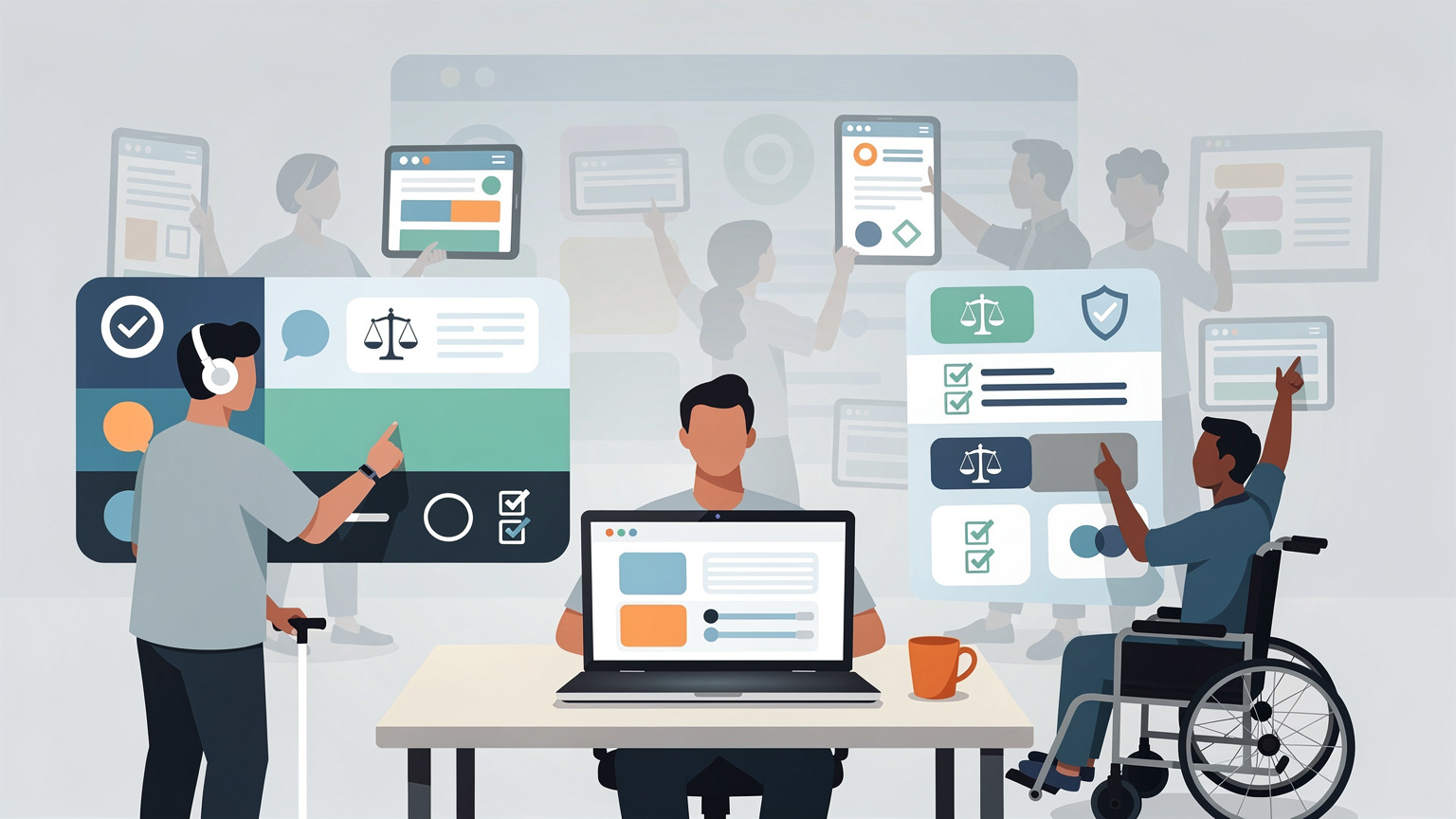
The Web Content Accessibility Guidelines have evolved over time. While older versions like WCAG 1.0 laid the groundwork, subsequent versions have become more comprehensive and technology-neutral.
- WCAG 2.0: Introduced the POUR framework and remains the basis for many legal references.
- WCAG 2.1: An evolution of 2.0, adding criteria specifically for mobile accessibility, low vision, and cognitive disabilities, making it highly relevant for modern responsive websites.
- WCAG 2.2: Published in October 2023, this is the latest stable recommendation. It builds upon WCAG 2.1 by adding new success criteria related to focus management, dragging, target size, and consistent help. While WCAG 2.1 Level AA is still a widely referenced legal target, WCAG 2.2 represents the most up-to-date standard.
Looking Ahead: WCAG 3.0
It's worth noting that WCAG 3.0 is in draft form and not yet a formal standard as of 2026. It aims for a more outcome-based approach and broader scope, but for current development, adhering to WCAG 2.1 or 2.2 Level AA remains the focus.
Practical Tools for Accessibility Testing
Building accessible websites requires continuous testing. Fortunately, numerous free and powerful tools can help you identify and address accessibility issues.
Automated Testing Tools
These tools can quickly scan your web pages for common accessibility violations. While they cannot catch everything, they are invaluable for initial checks.
- WAVE: Developed by WebAIM, the WAVE browser extension and web-based tool (wave.webaim.org) provides a visual overlay highlighting accessibility errors, alerts, and structural elements on a page. It's a user-friendly way to get an immediate overview.
- axe DevTools: This browser extension (free tier available) from Deque Systems is known for its accuracy and clear remediation guidance. It integrates directly into your browser's developer tools, making it easy to run tests while you work.
- Google Lighthouse: Integrated into Chrome DevTools, Lighthouse offers an accessibility audit that checks a subset of WCAG criteria. It's a quick way to get performance and accessibility scores together.
- Clym's Free Accessibility Tools: Clym offers an open-source desktop application that combines automated checks with guided manual testing. It's useful for documenting and managing accessibility issues across a project.
It's crucial to remember that automated tools can only detect about 30-40% of accessibility issues. They are excellent for catching common errors but cannot replace manual testing, especially for complex interactions or usability for users with cognitive disabilities.

Manual Testing with Assistive Technologies
To truly understand the user experience for people with disabilities, manual testing with assistive technologies is essential.
- Screen Readers: Tools like NVDA (NonVisual Desktop Access, free for Windows), VoiceOver (built into macOS and iOS), and TalkBack (for Android) allow you to navigate your site as a visually impaired user would. Learning basic screen reader commands is a vital skill.
- Keyboard Navigation: Ensure your entire site can be navigated using only the keyboard (Tab, Shift+Tab, Enter, Spacebar, Arrow keys). Test that all interactive elements are focusable and visible.
- Color Contrast: Use tools like the WebAIM Color Contrast Checker to verify that text has sufficient contrast against its background, meeting WCAG AA (4.5:1 for normal text, 3:1 for large text) or AAA (7:1 for normal text, 4.5:1 for large text) requirements.
Integrating Accessibility into Your Workflow
Accessibility should not be an afterthought; it's most effective when integrated from the initial design and development stages.
- Understand Requirements: Familiarize yourself with WCAG principles and common success criteria, such as sufficient color contrast (WCAG 1.4.3), keyboard accessibility (WCAG 2.1.1), clear navigation (WCAG 2.4.x), proper heading structure (WCAG 1.3.1), and understandable form feedback (WCAG 3.3.x).
- Use Semantic HTML: Employ HTML elements for their intended purpose. Use headings (
<h1>to<h6>) to structure content logically, lists (<ul>,<ol>,<dl>) for lists, and ARIA attributes where necessary for dynamic content or custom components. - Develop with Accessibility in Mind: When building interactive elements, consider keyboard operability and focus management. For dynamic content, explore WAI-ARIA (Accessible Rich Internet Applications) specifications, though always use native HTML semantics first when possible.
- Continuous Testing: Regularly run automated tools and perform manual checks throughout the development lifecycle.
Resources for Continued Learning
Becoming proficient in web accessibility is an ongoing journey. Several organizations provide valuable resources:
- W3C Web Accessibility Initiative (WAI): The primary source for WCAG standards and extensive educational materials. Their tutorials are an excellent starting point (w3.org/WAI/tutorials).
- IAAP (International Association of Accessibility Professionals): Offers professional certifications and resources for those looking to deepen their expertise.
- Clym Compass: Provides an overview of relevant data privacy and accessibility regulations, helping organizations understand their compliance landscape.
By embracing these principles and tools, developers can create web experiences that are not only compliant but also truly usable and welcoming to all users.