
Local AI vs Cloud AI Cost Calculator: Hardware & Electricity
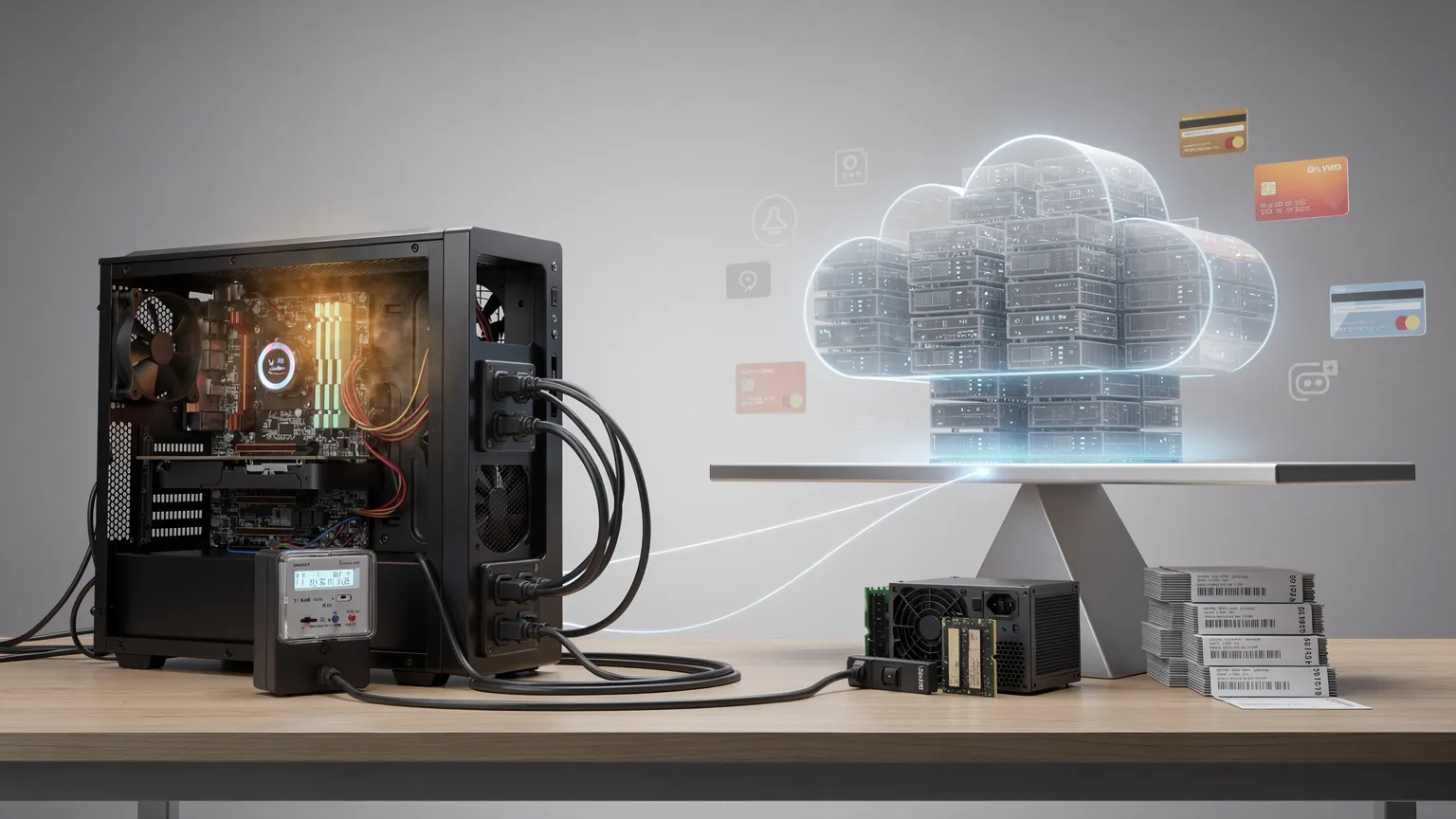
Estimate local AI hardware and electricity costs alongside cloud subscriptions, with real-world measurement methods, amortization and budgeting examples.
Local AI vs cloud AI: what does running a model really cost?
Local AI vs cloud AI cost calculator
Illustrative annual cost estimates; currencies differ.
Examples only, not current prices. Local costs exclude maintenance and depreciation; cloud excludes usage overages.
Running an AI model on your own computer can give you more control over where prompts and files are processed, but it does not make computation free. The cost depends on the hardware you need to buy, additional electricity consumed, hours of use, and maintenance. A cloud subscription or API has a different cost structure, so the right choice depends on your workload.
The calculator above shows two separate annual illustrations: a cloud subscription in USD, and local hardware plus electricity in EUR for the first year. These currencies are not converted, and the totals must not be directly subtracted or compared as if they used the same currency.
How to use the calculator
- Cloud subscription ($/month): enter the monthly subscription you would otherwise pay. The slider models a fixed subscription, not metered API-token pricing.
- Hardware (€): enter the additional amount you would spend specifically to run local AI. If you already own suitable hardware, use zero for a new cash expenditure estimate, but remember that existing equipment still has wear and opportunity costs.
- Additional power (W): estimate the extra power drawn while running AI compared with what the computer would otherwise consume. A plug-in electricity meter can help you measure the difference.
- Hours/day: enter the average number of hours the local model would run each day.
- Electricity (€/kWh): use the applicable consumption tariff from your electricity bill.
- Read the output carefully: the cloud figure is an annual subscription amount in USD; the local figure is first-year hardware plus additional electricity in EUR.
The calculator assumes the same hours of use every day of the year. It does not estimate tokens per second, model quality, memory requirements, repairs, cooling, hardware resale value or cloud usage overages.
The formulas behind the estimate
Annual cloud subscription (USD) = monthly subscription (USD) × 12.
Annual additional electricity (EUR) = additional watts ÷ 1,000 × hours/day × 365 × electricity tariff (EUR/kWh).
Local first-year cash estimate (EUR) = new hardware purchase (EUR) + annual additional electricity (EUR).
These formulas help explain costs, but they do not produce a like-for-like comparison until the options use equivalent workloads and a consistent currency.
Worked example: use a computer you already own
Suppose your existing machine can run the model you need, so you buy no additional hardware. It draws 80 W more during local inference than during its normal workload, and you use it for 3 hours a day at €0.25/kWh.
| Step | Calculation | Result |
|---|---|---|
| Daily extra energy | 80 ÷ 1,000 × 3 | 0.24 kWh |
| Daily electricity | 0.24 × €0.25 | €0.06 |
| Annual electricity | €0.06 × 365 | €21.90 |
| Additional hardware | Already owned | €0 |
| Local first-year estimate | €0 + €21.90 | €21.90 |
If a cloud subscription costs $20/month, its annual subscription is $240. This is not a direct saving of $240 minus €21.90: the currencies differ, and the services may offer different models, quality, speed and limits.
Worked example: buying hardware for local inference
Suppose you spend €1,000 on an upgrade and expect 200 W of additional power for 4 hours per day, at €0.25/kWh.
- Extra electricity: 0.2 kW × 4 h × 365 = 292 kWh/year.
- Annual additional electricity cost: 292 × €0.25 = €73.
- First-year local cash estimate: €1,073.
- Three-year cash estimate under unchanged assumptions: €1,000 + (3 × €73) = €1,219, before maintenance or replacement.
The existing calculator reports the first-year figure. Use the formulas above for longer periods; do not count the same one-time hardware purchase every year.
How to estimate hardware amortization
For planning, you can spread a hardware purchase over an assumed useful life. For example, a €1,000 upgrade over four years represents €250 per year of straight-line allocation before considering resale value or repairs. Adding €73/year of extra electricity gives €323/year of allocated cost.
This is a budgeting convention, not a prediction that the hardware will last exactly four years or a complete accounting treatment. If you already own the machine, a different allocation may be appropriate.
A simple break-even analysis can be performed only after expressing both alternatives in the same currency, using the same workload, and including relevant fees:
Break-even years ≈ additional hardware cost ÷ (annual comparable cloud cost − annual local running cost).
This simplified formula is meaningful only when the denominator is positive and ongoing costs are reasonably stable. It also ignores the time value of money, hardware replacements and differences in capabilities.
How to measure local AI power consumption
Step 1: establish a baseline. Measure the computer's power draw while it is doing the non-AI work it would normally perform.
Step 2: run a representative local model. Use a prompt length, model size and generation duration similar to your intended workload. Monitor performance and whether the model fits in available memory.
Step 3: measure at the wall. A properly rated plug-in power meter measures total system input, including power-supply losses. GPU monitoring alone does not measure the entire computer.
Step 4: calculate the difference. If the system draws 90 W without inference and 230 W during inference, the additional draw is 140 W. Enter that difference if your purpose is to estimate the extra cost of local AI on an already-running computer.
Step 5: repeat the measurement. Longer prompts, different quantizations and CPU-versus-GPU execution can change both runtime and energy consumption.
If the computer would otherwise be switched off, use the full wall power while it runs, not merely the incremental GPU draw. This distinction can materially change the result.
Local model, cloud subscription or API: which should you choose?
| Situation | What to evaluate |
|---|---|
| Occasional private document analysis | Whether existing hardware runs an adequate model without a new purchase |
| Frequent coding assistance | Model quality, context length, latency and compatibility with your editor |
| Automated high-volume processing | Throughput, concurrency, uptime, token-based cloud pricing and local operating costs |
| Sensitive information | Data handling, model licensing, access controls and your organization's requirements |
| Large or demanding models | GPU memory, system RAM, quantization, cooling and potential cloud alternatives |
| Collaboration across several users | Remote access, availability, security, maintenance and capacity planning |
A fixed cloud subscription is not equivalent to an API billed per token. If your application makes programmatic requests, estimate that usage separately with the AI API Token Cost Calculator.
Common mistakes and practical fixes
| Mistake | Why it matters | Better method |
|---|---|---|
| Comparing USD with EUR directly | The amounts have different units | Convert externally using a documented rate before comparing |
| Assuming a GPU's rated power is actual consumption | Real workload power changes over time | Measure the complete system at the wall |
| Counting hardware as a new purchase every year | It exaggerates recurring cash costs | Separate one-time purchase from annual running costs |
| Ignoring model quality or speed | A cheaper option may not complete the task adequately | Test the same prompts and evaluate results |
| Treating cloud subscriptions as unlimited APIs | Subscriptions and metered API plans have different limits | Read plan terms and model API costs separately |
| Ignoring idle power and cooling | An always-on workstation may consume energy outside inference | Include the full operating schedule where relevant |
Frequently asked questions
Is local AI free if I already own a computer?
Not entirely. You may avoid a new hardware purchase, but electricity, maintenance and the use of existing equipment still have costs.
Can a laptop run local AI models?
Some models can run on suitable laptops, depending on memory, compute capability and model size. Test the model you actually need before planning around a specific performance level.
Does the calculator include API-token costs?
No. Its cloud input represents a fixed monthly subscription. Use the separate API token calculator for metered requests.
Why are the cloud and local totals shown in different currencies?
The existing tool intentionally uses USD for cloud subscriptions and EUR for local expenses. It does not perform currency conversion. Compare them only after normalizing currency and workload yourself.
Does it calculate a break-even date automatically?
No. It reports annual cloud subscription and local first-year cash costs. The amortization and break-even formulas in this guide are manual planning methods.
All values are illustrative assumptions, not current prices or performance claims for a particular model, GPU or provider.