
WordPress Website Cost Calculator: Plan a Realistic Budget

Estimate first-year and three-year WordPress website costs, including hosting, domain, plugins, maintenance and initial development.
How much does a WordPress website cost?
Planning estimate for a self-hosted WordPress site. Enter your own costs; taxes, transaction fees and future price increases are excluded.
WordPress software itself is free to use, but a self-hosted WordPress website still needs hosting, a domain, updates, backups and possibly paid themes, plugins or professional help. A realistic budget separates one-time setup costs from recurring expenses.
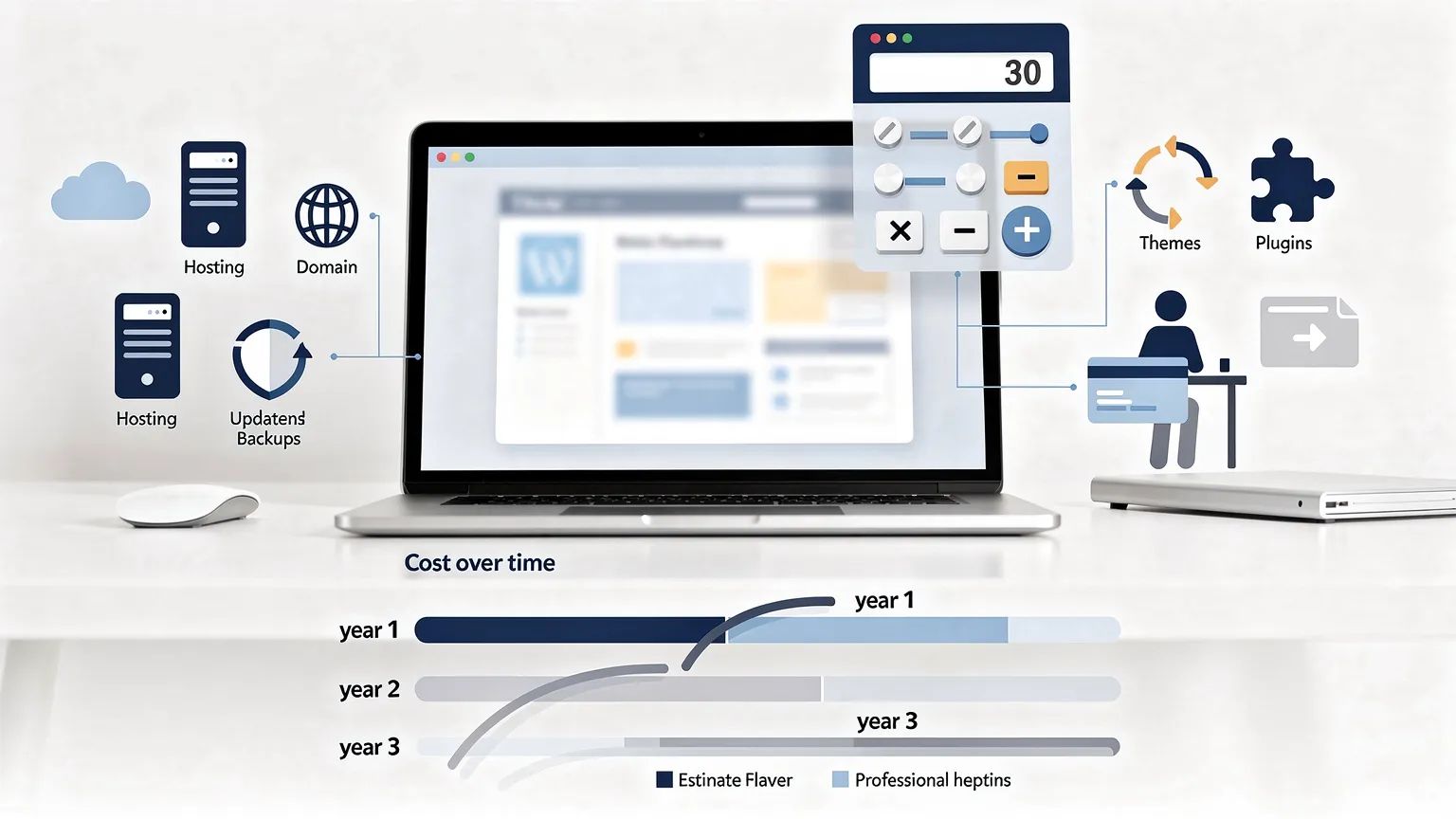
Use the calculator above to estimate the first year, a subsequent year and the total over three years. Its default figures are illustrative USD planning assumptions, not live provider quotes.
How to use the WordPress cost calculator
- Enter your hosting cost per month, using the amount you expect to pay after any introductory discount.
- Enter the annual domain renewal cost. A first-year free domain may still renew at a paid rate.
- Add annual theme and plugin subscriptions, including any licenses needed for forms, bookings, security or e-commerce.
- Enter monthly maintenance if you pay someone to update, monitor and troubleshoot the site. If you do this yourself, consider the value of your time separately.
- Add one-time design and development costs: setup, customization, content migration and initial configuration.
- Include other monthly recurring costs, such as paid email, backups or external services not already included elsewhere.
The calculator assumes annual recurring costs stay constant and that the one-time setup fee is paid only in year one.
Annual recurring cost = 12 × (monthly hosting + monthly maintenance + other monthly costs) + annual domain + annual themes/plugins.
First-year cost = annual recurring cost + initial setup.
Three-year cost = first-year cost + 2 × annual recurring cost.
Example 1: a small WordPress brochure website
Imagine a small business website with these hypothetical costs:
| Expense | Assumption | Annual or one-time amount |
|---|---|---|
| Hosting | $15/month | $180/year |
| Domain | $18/year | $18/year |
| Theme and plugins | $120/year | $120/year |
| Maintenance | $20/month | $240/year |
| Other recurring costs | $0/month | $0/year |
| Initial design and development | $500 once | $500 once |
The recurring total is $558 per year. The first year costs $1,058, a subsequent year $558, and the three-year estimate is $2,174.
This is a budgeting scenario, not a recommended market price. A site maintained entirely by its owner can have lower cash expenses but still requires time and technical knowledge.
Example 2: a WordPress site managed in-house
Suppose you use hosting at $12/month, a domain at $15/year, and paid plugins costing $60/year. You perform maintenance yourself, have no other subscriptions, and spend $0 on outsourced setup.
- Hosting: 12 × $12 = $144/year.
- Domain and plugins: $15 + $60 = $75/year.
- Annual cash expense: $219.
- Three-year cash expense at unchanged rates: $657.
This does not mean the site is free to maintain. You still need to budget time for backups, updates, accessibility checks, security incidents and content changes.
Example 3: a more demanding business website
For a site with more custom functionality, consider $35/month hosting, $25/year domain, $300/year plugins, $100/month maintenance, $25/month extra services, and $2,000 initial development.
Recurring annual cost: 12 × ($35 + $100 + $25) + $25 + $300 = $2,245.
The first-year estimate is $4,245 and the three-year total is $8,735. If development is revised or maintenance increases, recalculate rather than treating the first estimate as a fixed quote.
Expenses that are easy to overlook
| Expense | What to verify before choosing a provider |
|---|---|
| Hosting renewal | Introductory rate versus regular renewal price |
| Domain renewal | Renewal, privacy and transfer fees |
| Backups | Frequency, retention, storage and restore support |
| Transactional email | Whether reliable outgoing mail needs a separate service |
| Paid plugins | Annual renewals and the number of sites covered |
| Security and updates | Who monitors vulnerabilities and fixes broken updates |
| Performance | Caching, image optimization and CDN allowances |
| E-commerce | Payment processing fees, shipping integrations and extensions |
| Content and compliance | Copywriting, photography, translations, privacy and accessibility work |
Avoid double-counting: if managed hosting includes backups or maintenance, do not also enter the same service under extras.
Choosing a budget by website type
Personal blog: focus on predictable hosting, domain renewal and a sustainable maintenance routine. Free themes and plugins can reduce cash costs, but verify their compatibility and update history.
Small business brochure site: include professional design, forms, business email, analytics setup and ongoing content updates. A cheap hosting plan alone does not represent the full project budget.
Online store: account for payment processing, product management, shipping integrations, testing, backups and peak traffic. The calculator covers only the costs you enter; transaction-based charges need a separate estimate.

Membership or booking website: include subscription fees for specialized plugins, support and staging/testing time. Complex workflows can require more maintenance than a basic brochure site.
How to build a more reliable estimate
- List the features you actually need: number of pages, languages, forms, booking or checkout, integrations and expected traffic.
- Request comparable hosting quotes that specify renewal rates, storage, email and backups.
- Identify paid plugins and check whether licenses renew annually.
- Decide who will handle updates, security, backups and support.
- Calculate at least a three-year budget, then consider a contingency for unexpected work.
- Review the budget after launch using actual invoices and maintenance time.
For a meaningful comparison, keep the same currency across every input. The calculator does not convert currencies or automatically adjust prices for inflation.
Frequently asked questions
Is WordPress free?
The open-source WordPress software is free. Hosting, domains, paid services, custom development and maintenance may cost money.
What is the difference between setup and maintenance?
Setup is typically one-time work such as design, configuration and migration. Maintenance is recurring work such as updates, monitoring, backups and troubleshooting.
Does the calculator include payment processing fees?
Not automatically. The calculator models fixed monthly and annual costs plus initial setup. Estimate percentage-based or per-transaction fees separately, based on projected sales.
Why might the real three-year cost be higher?
Hosting renewals, additional plugins, content changes, redesigns, increased traffic and price changes can all increase the total. The calculator holds recurring rates constant for simplicity.
Can I use euros instead of dollars?
The interface currently labels monetary inputs and results in USD. It does not perform exchange-rate conversion; use USD values consistently when calculating.
All prices and scenarios in this guide are illustrative, not verified offers from hosting companies or WordPress service providers.