
Git Bisect: Find the Commit That Introduced a Bug
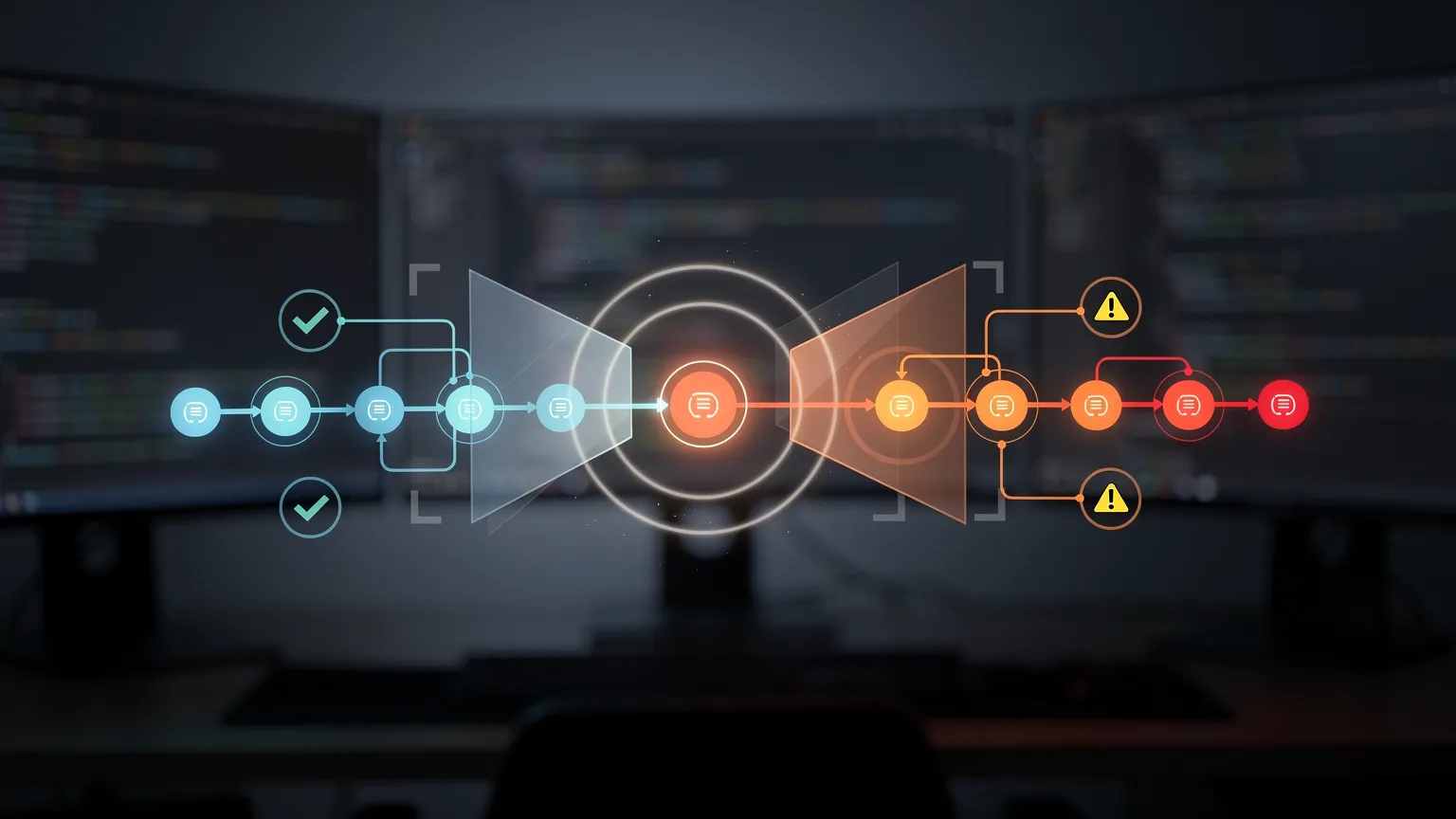
A feature worked yesterday but fails today. Learn how to use Git bisect to pinpoint the commit that introduced a regression, test revisions automatically, and investigate the result safely.
A website worked last week. Today, a checkout calculation is wrong, a JavaScript component no longer responds, or a PHP endpoint returns unexpected data.
You know the bug appeared somewhere in the Git history, but the repository contains dozens or hundreds of commits since the last working version. Opening every commit and reading every diff is rarely the fastest solution.
Git includes a tool designed for exactly this situation: git bisect. Instead of examining every commit, it uses a binary search to identify the revision that first introduced the problem. With a reliable test, you can automate the investigation.
In this tutorial, you'll create a small PHP project, deliberately introduce a regression, locate it with Git bisect, and learn how to apply the same technique to real projects.
1. How Git bisect works
Imagine that your application worked at commit A but fails at commit H. Git bisect needs two reference points: a good commit, where the feature definitely worked, and a bad commit, where the bug definitely exists.
It checks out an intermediate revision. You test it, report whether it works, and Git reduces the remaining search range. For approximately 128 candidate commits, binary search typically requires around seven tests instead of inspecting all 128, assuming the behavior can be classified consistently.
The official Git documentation describes the process and its limitations.
2. Create a reproducible PHP regression
We'll build a tiny price calculation function. No framework, database, Composer package, or web server is required. You need Git and PHP CLI installed, and Git must have your author name and email configured for commits.
Create a directory and initialize a repository:
mkdir git-bisect-demo
cd git-bisect-demo
git init
Create price.php:
<?php

declare(strict_types=1);

function finalPrice(int $price, int $discount): int
{
    return $price - $discount;
}
The expected behavior is straightforward: finalPrice(100, 20) returns 80.
Commit this working version:
git add price.php
git commit -m "Add working price calculation"
Next, create an unrelated change:
echo "# Price Calculator" > README.md
git add README.md
git commit -m "Add project documentation"
Finally, introduce a bug by changing the calculation in price.php:
<?php

declare(strict_types=1);

function finalPrice(int $price, int $discount): int
{
    return $price + $discount;
}
Commit the broken version:
git add price.php
git commit -m "Refactor price calculation"
The project now has three commits, with a deliberate regression in the last one.
3. Find the regression manually
Start by confirming that your working tree is clean:
git status --shortThe command should produce no output. If you have uncommitted work, commit it appropriately or stash it before starting.
Now launch Git bisect:
git bisect start
git bisect bad HEAD
git bisect good HEAD~2
Here, HEAD is the broken revision, while HEAD~2 points to the first, working commit. Git checks out the intermediate commit.
Test the calculation:
php -r 'require "price.php"; echo finalPrice(100, 20), PHP_EOL;'If the output is 80, mark the revision as good:
git bisect goodIf it is 120, mark it as bad:
git bisect badGit continues selecting commits until it identifies the first bad revision. In this three-commit demonstration, only one intermediate revision needs testing.
When finished, restore your original branch:
git bisect resetDuring bisect, Git normally checks out historical revisions in a detached HEAD state. git bisect reset returns you to the revision you were using before the investigation.
4. Automate the investigation with git bisect run
Manual testing is useful when a bug requires visual inspection. But if the behavior can be checked by a command, automation is more efficient.
Git supports git bisect run <command>. The command communicates its result using an exit code:
| Exit code | Meaning |
|---|---|
0 |
Good revision |
1–124 or 126–127 |
Bad revision |
125 |
Cannot test this revision |
| Other values | Abort the investigation |
These rules come from the official Git bisect manual.
Create a test script outside the repository, such as ../check-price.php:
<?php

declare(strict_types=1);

require __DIR__ . '/git-bisect-demo/price.php';

exit(finalPrice(100, 20) === 80 ? 0 : 1);
The script assumes the project folder is named git-bisect-demo and is beside check-price.php. Run these commands from inside the project folder:
git bisect start HEAD HEAD~2
git bisect run php ../check-price.php
git bisect reset
Git runs the test on selected historical revisions until the first bad commit is identified. Because the test script is outside the repository, checking out an older revision does not remove it.
For real projects, use a stable test command or an external test script that works with the historical revisions under investigation.
5. Apply the technique to a real web project
The same workflow works for a WordPress plugin, Joomla extension, JavaScript application, or PHP library.
Suppose a checkout feature is broken in the latest version, but it worked in release v1.4.0. First verify that the release is actually good, then start:
git bisect start HEAD v1.4.0If the project has a PHPUnit test that works across the selected revisions, you can run it manually:
vendor/bin/phpunit tests/CheckoutTest.phpAfter each test, report git bisect good or git bisect bad.
When the test is reliably automated:
git bisect run vendor/bin/phpunit tests/CheckoutTest.php
git bisect reset
Historical commits may require different PHP versions, dependencies, database schemas, or build tools. A test failing because the environment is incompatible does not necessarily indicate the regression. Ensure that your test environment can reproduce the relevant historical versions.

6. What if an old commit cannot be tested?
Sometimes a historical revision fails to build for an unrelated reason. Do not automatically mark it as bad.
Use:
git bisect skipGit tries another candidate. For automated tests, exit code 125 tells Git to skip the revision.
Skipping too many commits reduces precision. If an untestable commit is adjacent to the regression, Git may report multiple possible culprits rather than one exact commit.
A good long-term practice is to maintain reproducible development environments, lock dependency versions, and keep critical regression tests independent of unrelated infrastructure.
7. Inspect the commit that introduced the bug
Once Git identifies the first bad commit, examine it:
git show <commit-hash>To see which files changed:
git show --stat <commit-hash>To inspect a specific file:
git show <commit-hash> -- price.phpThe first bad commit is not necessarily the only cause of the bug. A commit might expose a previously hidden problem, interact with another change, or depend on an external service that has since changed.
Use the identified commit to investigate the root cause, not as automatic proof that every line in that commit is incorrect.
8. Common problems and solutions
The bug appears inconsistently
If a test sometimes passes and sometimes fails on the same revision, bisect results become unreliable. Run the test multiple times, remove timing dependencies where possible, and control external inputs. Repeated testing improves confidence but increases investigation time.
The test fails on every historical revision
Confirm that your known-good commit really is good. Check out that revision separately and run the test before beginning a new bisect session. If it fails there too, your test or environment may be incorrect.
Git refuses to switch revisions
Uncommitted changes can prevent checkout. Check git status and preserve your changes before restarting. Avoid destructive commands such as git reset --hard unless you understand exactly what they discard.
The history contains many merge commits
For complex repositories, Git supports:
git bisect start --first-parent HEAD v1.4.0This follows first-parent history and can help investigate regressions introduced through merges. It changes which commits are considered, so it is not a universal replacement for a normal bisect.
The bug depends on production data
Never run historical application code against a live production database. Use an isolated test environment with sanitized fixtures and a reproducible schema. Older revisions may contain migrations or assumptions incompatible with production.
9. A practical debugging checklist
- Confirm the bug is reproducible.
- Identify one revision known to work and one known to fail.
- Preserve uncommitted work.
- Define a reliable test with a clear pass/fail result.
- Keep external services and test data consistent.
- Use
git bisect skipfor genuinely untestable revisions. - Inspect the identified commit and verify the root cause.
- Finish with
git bisect reset.
Conclusion
Git bisect turns an uncertain debugging task into a structured investigation. Instead of guessing which recent change broke an application, you identify a working revision, a broken revision, and let Git narrow down the history.
The technique becomes especially powerful when combined with automated tests. A regression hidden among hundreds of commits can often be localized with only a handful of checks.
For developers maintaining long-lived PHP projects, WordPress plugins, Joomla extensions, or JavaScript applications, git bisect is one of the most useful Git commands beyond everyday branching and merging.