
The best AI tools for developers in 2026: which ones to choose?
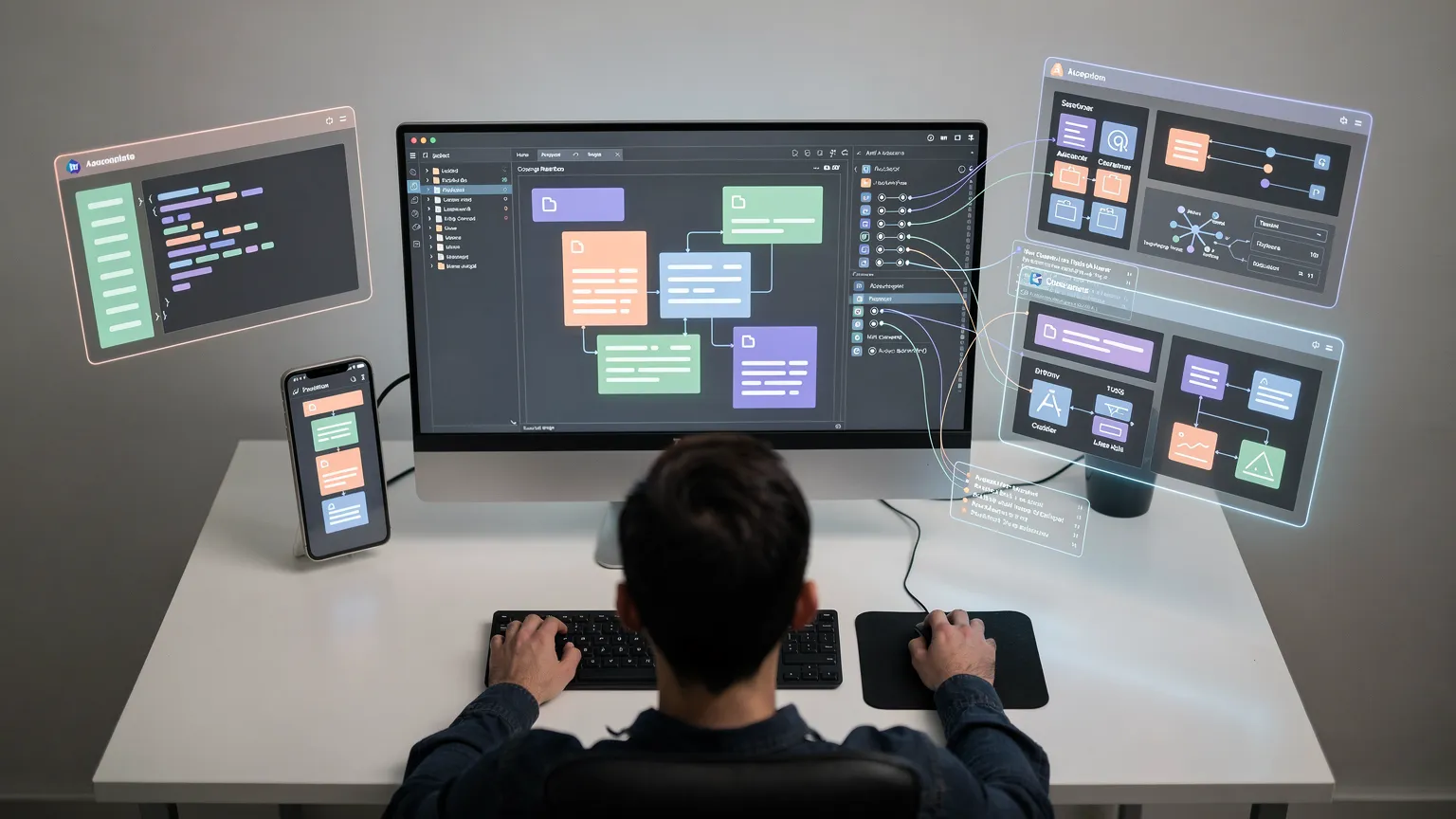
GitHub Copilot, Claude Code, Cursor or ChatGPT? Discover which AI tools to choose for developing in 2026, their uses and best practices for coding with AI agents.
Artificial intelligence has fundamentally changed the way software is developed. After simple autocomplete tools that could suggest a few lines of code, a new generation of assistants can now analyze an entire project, modify multiple files, execute commands, search for the origin of a bug, and sometimes complete a task almost entirely from a simple instruction.
For developers, the question is no longer whether to use AI, but rather which tool to use for which task.
GitHub Copilot, Claude Code, Cursor, and the many agents integrated into development environments all work differently. Some excel at providing daily assistance within the IDE, while others are better suited to complex, autonomous tasks.
Here’s how to navigate this landscape in 2026.
Code assistants have become agents
The first AI assistants for developers essentially functioned as improved autocomplete tools.
The developer would write:
function calculateTotal(and the AI would try to guess the rest.
This functionality still exists, but it now represents only a small part of current capabilities.
A development agent can now receive a much more general instruction:
Add authentication to this application, create the necessary tables, protect private routes, and add the corresponding tests.
The agent can then examine the project, identify the relevant files, propose a plan, modify multiple files, and execute commands or tests.
This evolution is gradually transforming AI from a code generator into a development assistant capable of acting on a project.
GitHub Copilot: the most natural choice for many developers
GitHub Copilot remains one of the solutions most integrated into the development ecosystem.
Its main advantage is precisely this integration: Copilot can be used directly in several IDEs and integrates naturally with projects hosted on GitHub.
The tool is no longer limited to code suggestions.
Its Agent mode can analyze a task, determine which files to modify, make the changes, and execute the necessary commands. The developer can then review the result.
GitHub also offers a Plan mode that allows users to ask the AI to study the problem and propose a strategy before touching the code.
This separation is particularly useful for major modifications.
Instead of asking directly:
Refactor my authentication system.
it is often better to start with:
Analyze my authentication system and propose a refactoring plan without modifying the code.
The developer can then check the approach before authorizing the changes.
Copilot also supports more advanced mechanisms, such as specialized agents, sub-agents, and sessions that can be delegated.
GitHub Copilot is particularly suitable if:
- Your code is already hosted on GitHub.
- You primarily work in VS Code, Visual Studio, JetBrains, or a compatible IDE.
- You want to combine autocomplete, chat, and agents.
- You wish to keep development and repository management within the same ecosystem.
For many developers, it is now the simplest entry point into AI-assisted development.
Claude Code: particularly interesting for complex tasks
Claude Code takes a slightly different approach.
It is designed to work directly with a project and can operate from both the terminal and environments like Visual Studio Code.
Its value becomes particularly apparent when a task requires understanding multiple parts of an application.
For example:
Find out why certain commands in this PHP worker are executed twice and fix the problem without changing its normal behavior.
Such a request typically requires more than just code generation.
The agent must search for the relevant files, understand how the program works, trace calls, and possibly execute commands to verify its hypothesis.
Claude Code also provides mechanisms for working more autonomously while retaining controls over sensitive actions.
This is an important point: the more autonomous an agent becomes, the more we need to control what it is allowed to do.
Giving an agent unlimited access to the terminal, files, and network can be very convenient, but it also increases the potential consequences of a misinterpretation.

Cursor: an editor designed around AI
Cursor follows yet another approach.
Rather than simply adding AI to an existing environment, the editor was designed with AI assistance as a central element of the development experience.
The benefit is primarily ergonomic: navigation through code, multi-file modifications, and interactions with models are directly integrated into the editor.
For a developer willing to change their working environment, this approach can be very enjoyable.
However, it is less obvious for someone who already has a highly customized VS Code or JetBrains environment and simply wants to add AI capabilities to it.
Should we still use ChatGPT for programming?
Yes, but not necessarily in the same way.
An agent integrated into an IDE has an obvious advantage: it can directly examine project files and make changes.
However, a conversational assistant remains particularly useful for stepping back from a problem.
For example:
- Think about an application’s architecture.
- Compare several technologies.
- Understand an error.
- Design an algorithm.
- Examine a migration strategy.
- Analyze the consequences of a technical choice.
- Prepare an implementation before modifying the project.
The important distinction is therefore not necessarily ChatGPT versus Copilot or Claude Code.
These tools can be complementary.
A generalist assistant can help think through the problem, while a repository-connected agent can then implement or test the solution.
Which tool to choose?
There is no single best universal AI assistant.
The choice depends mainly on the type of work being done.
For daily coding in your IDE
GitHub Copilot is probably one of the simplest choices.
Its integration with development environments and GitHub allows you to use it without completely disrupting your habits.
For working on complex tasks
Claude Code is particularly interesting when you need to let an agent explore a project, understand multiple files, and perform a series of actions.
For an AI-centric experience
Cursor is worth considering for developers who want to use an editor built around these new workflows.
For thinking and solving problems
A generalist assistant like ChatGPT remains highly valuable for analysis, architecture, learning, and problems that go beyond simply modifying files.
The mistake to avoid: asking for code immediately
One of the best ways to use a development AI is paradoxically not to ask it to code immediately.
For an important task, a better method is to work in several stages.
First, ask the AI to analyze the problem.
Second, ask it to propose a plan.
Third, verify this plan.
Only then, authorize the implementation.
This method significantly reduces the risk of an agent going in the wrong direction and modifying many files before the developer notices.
Always check the generated code
The quality of models has greatly improved, but no AI automatically transforms a change into reliable code.
An agent can:
- Use an outdated API.
- Misunderstand a business rule.
- Introduce a vulnerability.
- Modify a behavior that seemed secondary.
- Create an unnecessary dependency.
- Produce tests that validate its own error.
The generated code must therefore be treated like the code produced by any contributor: review, tests, and validation remain essential.
This rule becomes even more important when the agent has a high level of autonomy.

Never give unnecessary access to secrets
A development project often contains sensitive information:
- API keys
- Passwords
- Database credentials
- GitHub tokens
- Certificates
.envfiles- Access to production environments
An AI assistant should only access information that is truly necessary for its task.
The principle of least privilege remains perfectly valid: an agent tasked with modifying a CSS page has no reason to have access to production credentials.
AI does not replace the developer’s skills
Agents are becoming capable of writing an impressive amount of code.
But this paradoxically increases the importance of certain human skills.
The more code the AI produces quickly, the more the developer must be able to determine if that code is relevant.
Understanding architecture, security, databases, HTTP, performance, or testing remains essential.
AI mainly reduces the time spent on certain mechanical tasks.
It does not eliminate the need to understand the system you are building.
An effective workflow in 2026
A modern workflow might look like this:
1. Describe the problem precisely
Explain the expected result, constraints, and what should not be changed.
2. Ask for an analysis
Let the agent explore the project before proposing changes.
3. Ask for a plan
For a major change, verify the approach before implementation.
4. Let the agent work
Once the plan is validated, the agent can modify files and execute the necessary tests.
5. Review the diff
Never automatically accept a major change.
6. Run the tests
Automated tests, static analysis, and functional checks remain essential.
7. Manually test critical functions
Authentication, payments, permissions, and data migrations still deserve additional validation.
Towards teams composed of developers and agents
The next evolution is probably less about the “developer being replaced by AI” and more about the developer working with multiple specialized agents.
One agent can search for a bug.
Another can write tests.
A third can examine the security of a change.
The developer then retains the essential role: defining the problem, choosing the architecture, controlling decisions, and validating the result.
Current tools are already beginning to enable this type of organization through sub-agents and specialized agents.
Conclusion
In 2026, AI for developers is no longer just intelligent autocomplete.
GitHub Copilot, Claude Code, Cursor, and other next-generation tools are gradually evolving into true agents capable of examining and modifying a project.
For most developers, the best choice is probably not to look for a single tool, but to use each solution where it brings the most value.
AI can write code extremely quickly.
The essential skill of the developer therefore becomes increasingly: knowing what to ask it, understanding what it has done, and being able to determine if the result is truly correct.