
GitHub Actions Dropped Node.js 20: How to Audit and Fix Your Workflows
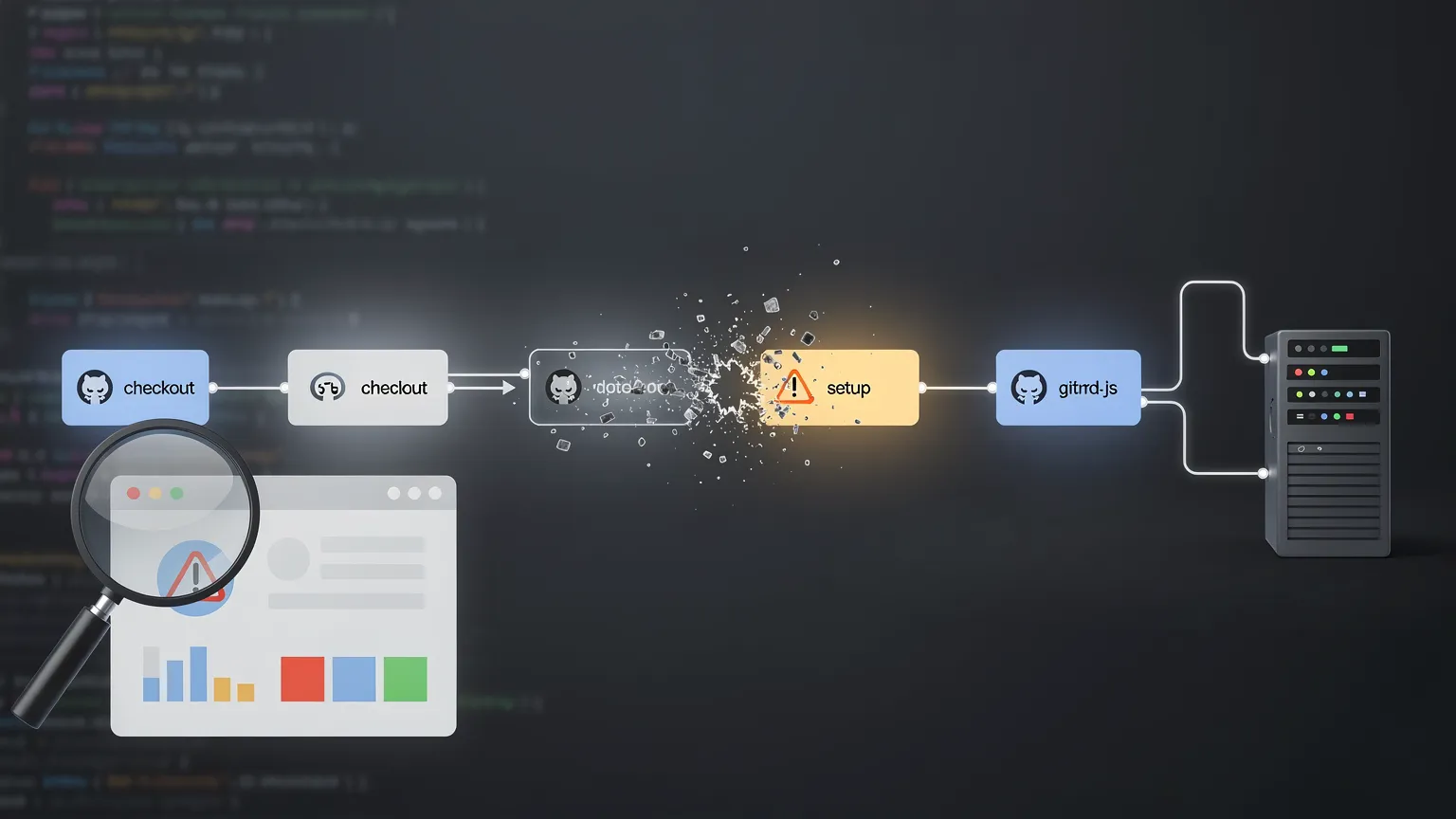
GitHub Actions no longer provides the Node.js 20 runtime for JavaScript actions. Even if your application does not use Node.js, an old checkout, setup or third-party action can now become a CI problem. Here is how to audit your workflows, update custom actions and check self-hosted runners safely.
A GitHub Actions workflow can depend on Node.js even when the project it builds contains no JavaScript at all.
That detail has become important.
On September 23, 2026, GitHub completed the removal of Node.js 20 from GitHub Actions runners. JavaScript actions now run on Node.js 24, and the temporary compatibility switch that previously allowed users to remain on Node 20 is no longer available.
For many repositories, nothing needs to change. Current versions of GitHub's first-party actions have already moved to Node 24.
Older workflows, custom JavaScript actions and some self-hosted runners deserve an audit, however.
The important distinction is understanding which Node.js runtime GitHub is talking about.
Your application runtime and your Action runtime are different things
Consider a PHP project with this workflow:
steps:
  - uses: actions/checkout@v4

  - name: Install dependencies
    run: composer install

  - name: Run tests
    run: vendor/bin/phpunit
The application is PHP. But actions/checkout is itself a JavaScript action. GitHub executes its JavaScript using a Node.js runtime bundled with the Actions runner.
That runtime is independent from Node.js installed by your workflow. Likewise, actions/setup-node can install Node 22 for subsequent workflow commands while the action itself executes with the runtime declared in its metadata.
That distinction explains why the Node 20 removal potentially affects PHP, Python, Go, Java and other non-Node projects.
What exactly changed?
GitHub announced the Node 20 deprecation well in advance because Node.js 20 reached end of life in April 2026. GitHub began switching Actions to Node 24 by default in June 2026. During the migration period, users could temporarily opt back into the obsolete runtime with ACTIONS_ALLOW_USE_UNSECURE_NODE_VERSION. That was only a migration escape hatch.
On September 23, 2026, GitHub removed Node 20 from GitHub Actions runners and removed that opt-out. If an action you maintain still declares Node 20, GitHub's recommendation is to update it to Node 24 and publish a new release.
First audit: inspect every uses: line
The simplest workflow audit starts in .github/workflows. Search for uses: and inventory first-party and third-party actions. Do not assume that a workflow is current merely because it still runs.
For each action, determine whether the version referenced by your workflow is a current release that supports Node 24. Third-party actions deserve particular attention: check their release history before changing major versions blindly. Inputs, defaults, authentication mechanisms and cache behavior can change independently of the Node migration.
Custom JavaScript actions require a different fix
If you maintain your own JavaScript action, inspect its action.yml or action.yaml. A JavaScript action may still contain:
runs:
  using: node20
  main: dist/index.js
The runtime declaration should target Node 24:
runs:
  using: node24
  main: dist/index.js
Changing that line is only the beginning. Test the action under Node 24, update dependencies where required and rebuild any committed dist/ bundle. Otherwise consumers may continue executing old generated JavaScript even though the source has changed.
A safe migration is to update the development environment, update dependencies, change runs.using, rebuild the distributed JavaScript, run tests, exercise the action in a real workflow and then publish a new release.
Self-hosted runners need special attention
GitHub-hosted runners are maintained by GitHub. Self-hosted runners are different. The runner application contains the Node.js executables used by JavaScript actions, making the runner version important. Recent Node-24-based action releases require a sufficiently recent Actions Runner.
If your organization operates self-hosted runners, include their versions, operating systems and architectures in the migration audit rather than looking only at workflow YAML. Old operating systems can become the hidden blocker because Node 24 changes the supported platform baseline.
CodeQL has its own migration path
Repositories using GitHub code scanning should inspect their CodeQL workflow too. CodeQL Action v4 uses the Node.js 24 runtime. Advanced CodeQL setups should therefore be checked for older github/codeql-action references and migrated according to GitHub's current compatibility guidance.
A useful audit command
On a Unix-like development machine, a quick first pass is:
grep -R "uses:" .github/workflowsFor custom actions inside the repository:
grep -R "using:.*node20" . --include="action.yml" --include="action.yaml"These searches do not prove compatibility, but they provide an efficient inventory. The goal is to answer three questions: which actions are used, which versions are pinned, and which custom actions still declare an obsolete runtime?
Should actions be pinned to tags or commit SHAs?
A runtime migration is also a good opportunity to review supply-chain hygiene. A reference such as vendor/action@v4 can be moved by its maintainer, while a full commit SHA identifies an immutable revision.
For security-sensitive workflows, pinning third-party actions to full commit SHAs can reduce the risk of unexpected code changes. The trade-off is maintenance: updates then require a deliberate process or dependency-update tooling.
Be especially careful with privileged pull-request workflows
Updating old actions is important, but the workflow security model matters even more. pull_request_target can run with access to the base repository's token, secrets and cache. Checking out attacker-controlled pull-request code inside such a privileged workflow can create a serious supply-chain vulnerability.
When auditing workflow files for Node 24, inspect their triggers and permissions at the same time. A modern runtime does not make an unsafe workflow secure.
A practical migration checklist
Start by listing all uses: references in .github/workflows. Upgrade obsolete first-party actions after reviewing release notes. Check every third-party action for a maintained Node-24-compatible version. Search custom action metadata for node20, migrate it to node24, rebuild bundles and test.
For self-hosted runners, verify runner version, operating system and architecture. Review CodeQL advanced workflows. Finally, exercise important release, scheduled and deployment workflows as well as the default CI path, because rarely used jobs are where old action versions often survive.
Why this migration is worth doing properly
Node.js runtime migrations inside GitHub Actions can look like somebody else's infrastructure problem. They are not. Actions are executable dependencies in your CI/CD system. They can build releases, handle credentials, upload artifacts and deploy production applications.
GitHub's move from Node 20 to Node 24 is therefore a useful reminder that CI dependencies have lifecycles just like application dependencies.
The immediate task is straightforward: remove remaining dependencies on obsolete JavaScript actions and update self-hosted infrastructure where necessary. The longer-term lesson is more valuable: treat .github/workflows as maintained application infrastructure, not configuration that can be written once and forgotten.
A repository that periodically audits its actions, runner versions, permissions and third-party dependencies will be much better prepared for the next runtime transition—and considerably safer between migrations.