
Local AI vs Cloud AI in 2026: Which Should You Use?
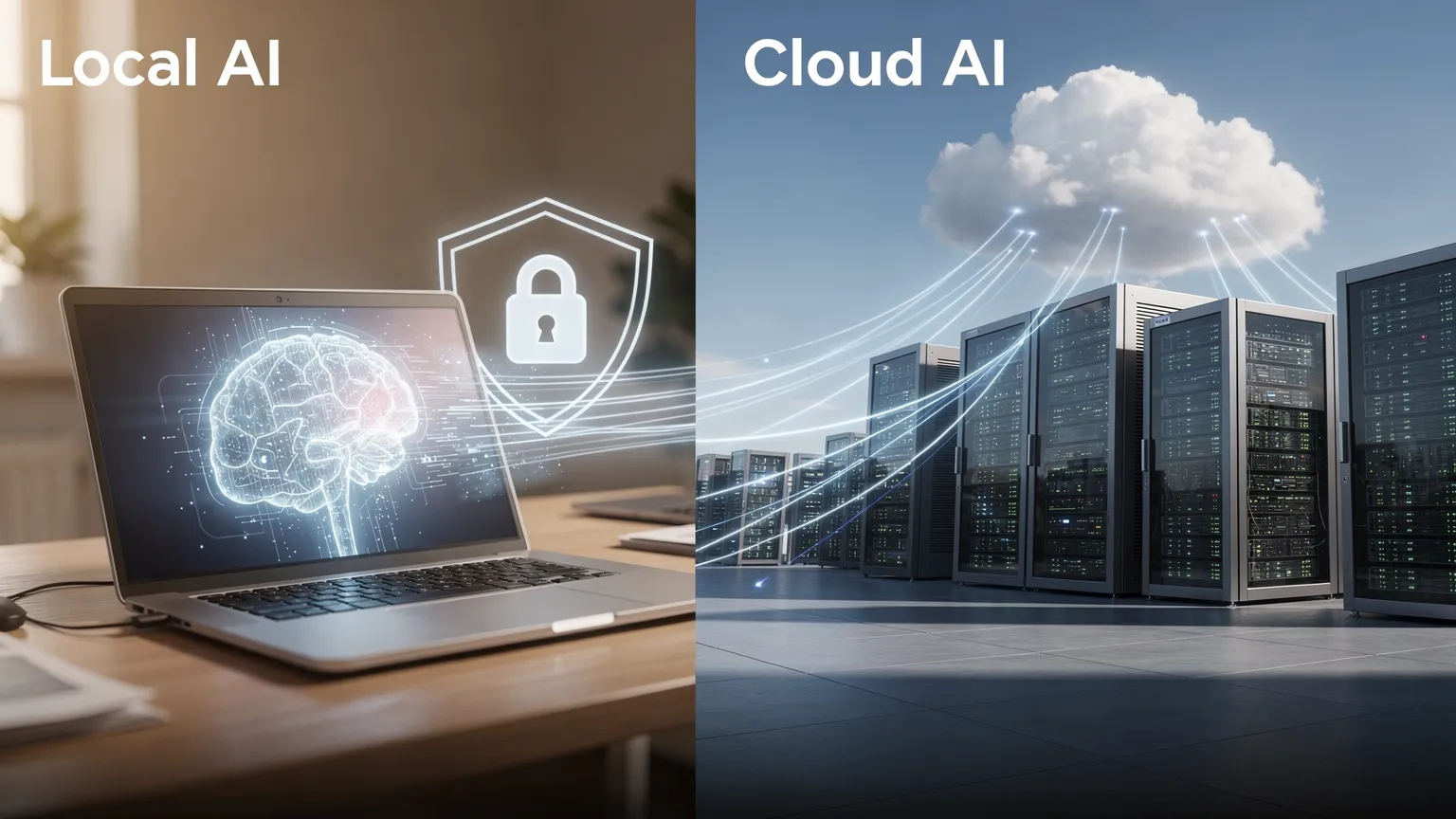
Should you run AI on your own computer or use a cloud service? Compare privacy, performance, costs, hardware requirements, and the best tools for local and cloud AI in 2026.
Artificial intelligence no longer requires a remote server for every task. In 2026, you can download a language model, run it on a laptop or desktop, and use it for writing, document summaries and coding assistance without sending every prompt to a cloud provider.
At the same time, cloud AI services remain convenient and offer access to powerful models and features that are difficult to reproduce on ordinary personal computers.
Local AI offers greater control and can work without an internet connection. Cloud AI is usually easier to start using and provides access to more computing power. Neither is automatically better. The right choice depends on your tasks, hardware, privacy requirements and budget.
This guide explains the differences, the real costs and how to get started.
What is local AI?
Local AI means running an artificial intelligence model on hardware you control: a laptop, desktop, workstation or private server. Your computer performs the calculations using its processor, graphics hardware and memory.
Tools such as LM Studio and Ollama let you download compatible models and interact with them locally. After installing the required software and model files, many workflows work entirely offline.
Local does not necessarily mean open source or completely offline. Licenses differ, and some tools also offer optional cloud models, online search or integrations that transmit data.
What is cloud AI?
Cloud AI runs models on remote infrastructure operated by a provider. You send a prompt through a website, application or API, and the service returns a response.
ChatGPT, Claude and Gemini are examples. You generally do not need to install a model or own a powerful GPU. Providers may also offer web search, document processing, image generation and other managed features.
The trade-offs include reliance on an internet connection, service availability, provider data policies and subscriptions or usage-based charges.
Local AI vs cloud AI: comparison
| Feature | Local AI | Cloud AI |
|---|---|---|
| Internet | Often unnecessary after setup | Usually required |
| Setup | Download software and model | Usually simple |
| Hardware | Your CPU, RAM and possibly GPU | Minimal local requirements |
| Privacy | More control over where data is processed | Depends on provider and settings |
| Performance | Depends on your model and hardware | Powerful remote infrastructure |
| Cost | Hardware, electricity and maintenance | Subscription or API charges |
| Offline use | Possible | Generally unavailable |
| Maintenance | Mostly your responsibility | Mostly provider-managed |
The central distinction is where the computation happens and who controls the infrastructure.
Privacy: is local AI safer?
Privacy is a compelling reason to consider local models. You might need to summarize confidential business documents, examine internal code or work with personal information.
With a properly configured local workflow, your files and prompts can remain on your computer. LM Studio documents offline use and local document chat; Ollama distinguishes local from cloud execution in its documentation.
However, local processing does not automatically make a system secure. Malware, unsafe downloads, exposed APIs or third-party plugins can still create risks. Conversely, enterprise cloud services may provide contractual protections and administrative controls.
If your requirements prohibit transmitting data externally, choose a verified offline workflow. If using a cloud service for sensitive material, examine its specific privacy settings, contracts and retention policies.
Performance: can local AI compete?
For everyday writing, summarization, classification and coding assistance, smaller local models can be useful. Response quality and speed depend on the model, quantization, context size and hardware.
Cloud services can provide much larger models and specialized computing infrastructure, which may help with complex reasoning, demanding coding tasks and multimodal workflows. They can also introduce network latency, quotas and outages.
Compare both options on your own tasks rather than relying only on model rankings.
What hardware do you need for local AI?
You do not necessarily need a gaming PC. Small quantized models can run on ordinary computers, sometimes using only the CPU, but larger models can require substantial memory.
LM Studio recommends 16 GB or more of RAM for a comfortable experience on supported systems, while noting that smaller models may work with less. Its Windows guidance also recommends a GPU with at least 4 GB of dedicated VRAM. These are application recommendations, not universal minimums.
| Computer | Sensible starting point |
|---|---|
| 8 GB RAM, no dedicated GPU | Small quantized models, limited context |
| 16 GB RAM | Small to medium models depending on runtime |
| 32 GB RAM | More room for larger quantized models |
| 64 GB+ RAM or substantial VRAM | More demanding models and workloads |
These are broad guidelines, not guarantees. Memory needs depend on model architecture, quantization, context length and runtime.
What is quantization?
Quantization stores model weights with reduced numerical precision. This can substantially lower memory requirements, making local inference more accessible. Aggressive quantization may reduce quality on some tasks.
Start with a small recommended model rather than downloading the largest one you can find.
Is local AI really free?
Many local tools and models do not charge per prompt, but hardware, electricity, storage and maintenance still cost money. Cloud services shift much of that infrastructure cost to the provider, typically charging through subscriptions or usage-based APIs.
Illustrative one-year cost comparison
Local AI vs cloud AI cost calculator
Illustrative annual cost estimates; currencies differ.
Examples only, not current prices. Local costs exclude maintenance and depreciation; cloud excludes usage overages.
Suppose you already own a compatible computer and run local inference for three hours per day with an additional 80 W power draw. At €0.25/kWh:
- Annual incremental electricity: 0.08 kW × 3 hours × 365 × €0.25 = €21.90.
- Additional hardware purchase: €0, assuming your existing computer is sufficient.
- Hypothetical cloud subscription: $20 per month, or $240 per year.
These totals are in different currencies and should not be compared directly without conversion. They are illustrative assumptions, not current provider prices. The local example excludes depreciation, maintenance and idle power; the cloud example excludes API overages.
If you must buy an expensive workstation just for AI, cloud access may be cheaper. If you already have suitable hardware and use AI regularly, local inference can be economical.
Best local AI tools to try
You do not need to build an AI application from scratch. Several tools make local AI accessible.
LM Studio
A beginner-friendly graphical interface for downloading models, local chats, documents and APIs.
Official LM Studio website ↗Ollama
Run local models through commands and APIs. Cloud-hosted models are also available, so verify where each model runs.
Official Ollama website ↗Both tools support workflows beyond basic chat, but beginners do not need to use their advanced features immediately.
How to run your first local model
Option A: LM Studio, without coding
- Download LM Studio from its official website and install it on a supported computer.
- Open its model discovery interface.
- Choose a small compatible model that fits your available memory.
- Download and load the model.
- Open a chat and ask a simple question.
For example:
Summarize the advantages and disadvantages of remote work in five bullet points.
After downloading all required model and runtime files, disconnect from the internet to verify that your workflow is truly offline. Optional cloud or search features will not work offline.
Option B: Ollama
Install Ollama using its official instructions, then choose a model from its model library.
For a compatible Gemma model, an example command is:
ollama run gemma4:e4bThe first run downloads the model if it is not already installed. Check the current model tag, supported runtime and memory requirements in Ollama's library before use.
Google's Gemma family includes models aimed at different hardware classes, from on-device use to more powerful computers.
Which model should you choose?
A model runner and an AI model are different things. LM Studio and Ollama are applications; the downloaded model determines much of the system's language, coding and reasoning ability.
Model families available in local ecosystems include Gemma, Qwen, Llama and gpt-oss. Their licenses, hardware requirements and supported features differ.
A practical selection process:
- Start with a small model that fits your RAM or VRAM.
- Check its license, languages and intended uses.
- Test it on three to five tasks you perform regularly.
- Compare accuracy, speed and memory consumption.
- Try a larger model only when the improvement justifies the resources.
Do not assume every variant in a model family will run well on your computer.
Can local AI work without internet?
Yes, if the model, runtime and necessary files are already installed. Local AI can summarize documents, rewrite text and answer questions without a connection.
But an offline model cannot automatically retrieve live information. Its answers depend on its training and the context you provide. Features such as web search, remote APIs or cloud models require connectivity.
Offline capability depends on the complete workflow, not just the model.
Is local AI useful for coding?
A local model can explain code, draft documentation, suggest unit tests and help with routine refactoring. Ollama exposes a local API, normally under:
http://localhost:11434/apiThis makes it possible to integrate compatible local models with development tools.
Smaller models may struggle with large multi-file changes, complex architecture or subtle security issues. Always review generated code and run tests. For demanding tasks, a capable cloud model may be more effective.
Which option should you choose?
| Your priority | Good starting point | Why |
|---|---|---|
| Keep sensitive data on your own machine | Local AI | Can avoid transmitting prompts externally |
| Get started in minutes | Cloud AI | No model downloads or hardware setup |
| Work without internet | Local AI | Compatible models run offline |
| Use demanding AI features | Cloud AI | Access to managed high-end infrastructure |
| Develop software | Hybrid | Local for routine tasks, cloud for complex ones |
| Minimize cost | Depends | Existing hardware vs subscription and usage |
These are guidelines, not absolute rules. A carefully configured cloud enterprise service may meet strict privacy requirements, and some local models are capable of complex work.
Is a hybrid approach the best choice?
For many people, yes. You can use a local model for repetitive writing, summaries and low-risk code assistance, then switch to cloud AI for more demanding work.
This provides flexibility and can reduce dependence on a single provider. But check where each model actually runs: a desktop interface does not guarantee local processing when cloud features are enabled.
Frequently asked questions
Is local AI completely free?
Many tools and models are free to use under their licenses, but hardware, electricity and maintenance still have costs.
Can I run AI on a laptop?
Yes. Small models can run on compatible laptops, but performance depends on memory and hardware.
Do I need an NVIDIA GPU?
No. Some runtimes support CPU execution, Apple Silicon and other hardware. Suitable GPUs can improve speed.
Can local AI access the internet?
Only when additional tools or integrations provide that capability. A downloaded model does not browse automatically.
Is local AI as good as ChatGPT?
It depends on the model and task. Local models can work well for everyday tasks; advanced cloud services may offer stronger capabilities.
Can I use local AI commercially?
Possibly. Check each model's license and the application's terms before commercial deployment.
Final verdict: local AI or cloud AI in 2026?
Local AI is increasingly accessible through desktop applications and downloadable models. It can be attractive for privacy, offline access, experimentation and predictable usage costs.
Cloud AI remains compelling for minimal setup, advanced capabilities and access to large-scale computing power.
If you are unsure, try a small local model alongside your existing cloud service and compare them on your actual tasks.
The best AI solution is not necessarily the largest model or the most expensive subscription. It is the one that delivers useful results at an acceptable cost, with the privacy and control you need.