
Elevate Your Joomla Content: A Guide to Embedding Videos
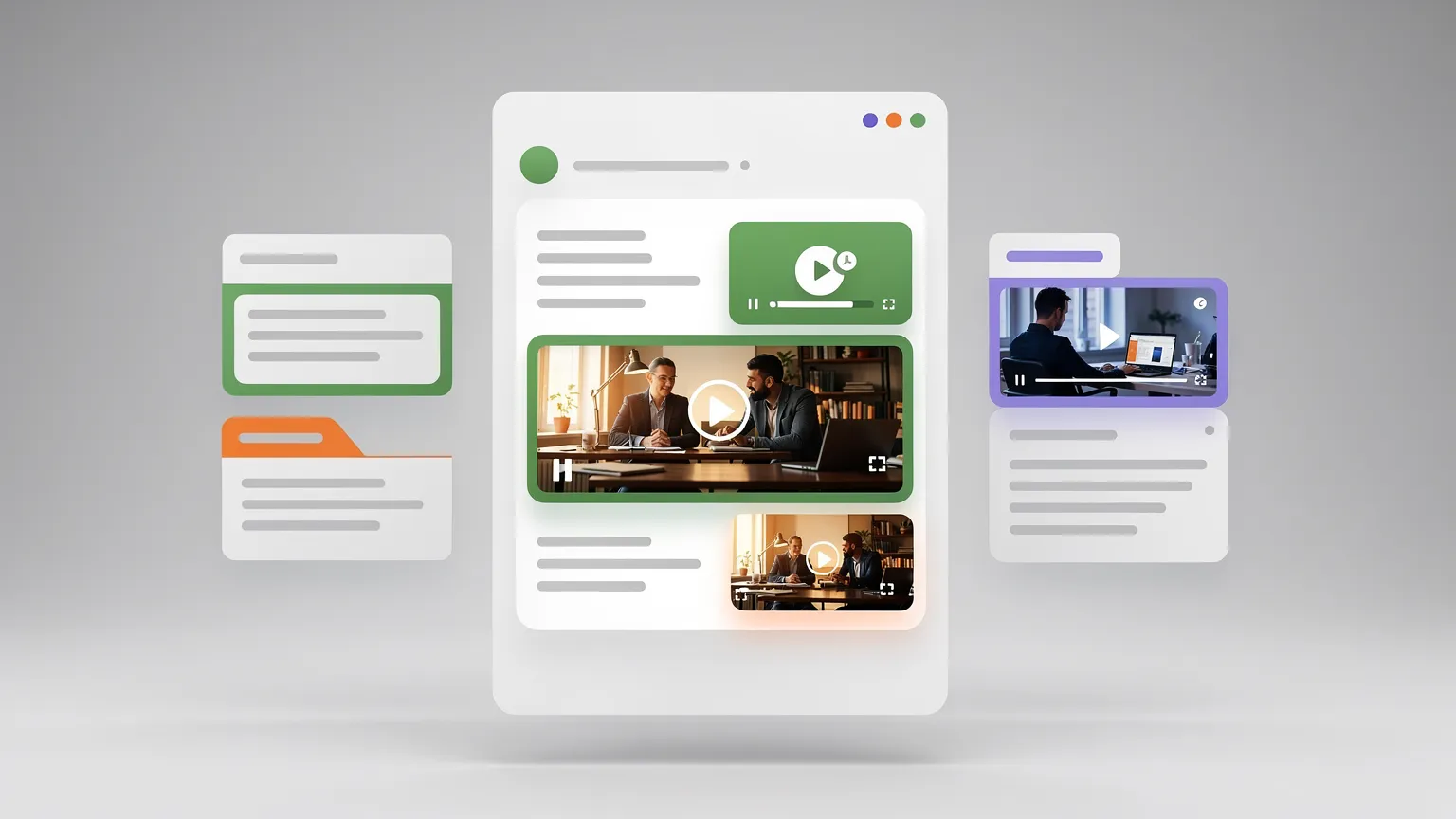
Embedding videos can significantly boost user engagement on your Joomla website. This guide explores various methods, from leveraging built-in features for external platforms like YouTube and Vimeo to hosting videos locally and utilizing powerful extensions, ensuring your content captivates your audience.
Adding video to your Joomla articles can transform static content into dynamic, engaging experiences. Whether you aim to showcase tutorials, product demonstrations, or engaging narratives, understanding how to effectively embed videos is crucial for keeping your audience hooked. Joomla offers several approaches, catering to different needs and technical preferences.
Harnessing Native Joomla Functionality
Joomla provides straightforward ways to integrate video content without the need for complex coding. The most common method involves utilizing embed codes, typically provided by popular video hosting platforms like YouTube and Vimeo.
Embedding External Videos via Embed Codes
This is often the simplest way to get videos into your articles. Most video platforms offer an 'embed' option, which generates an <iframe> code. This code can be directly pasted into the HTML view of your Joomla article editor.
To do this:
- Find the video you want to embed on a platform like YouTube or Vimeo.
- Locate and copy the provided
<iframe>embed code. - In your Joomla article editor, switch to the HTML view (often represented by a
<>orSourcebutton). - Paste the embed code into the desired location within your article's HTML.
This method ensures that the video is hosted externally, which can save your server's bandwidth. However, it relies on the external platform's availability and policies.
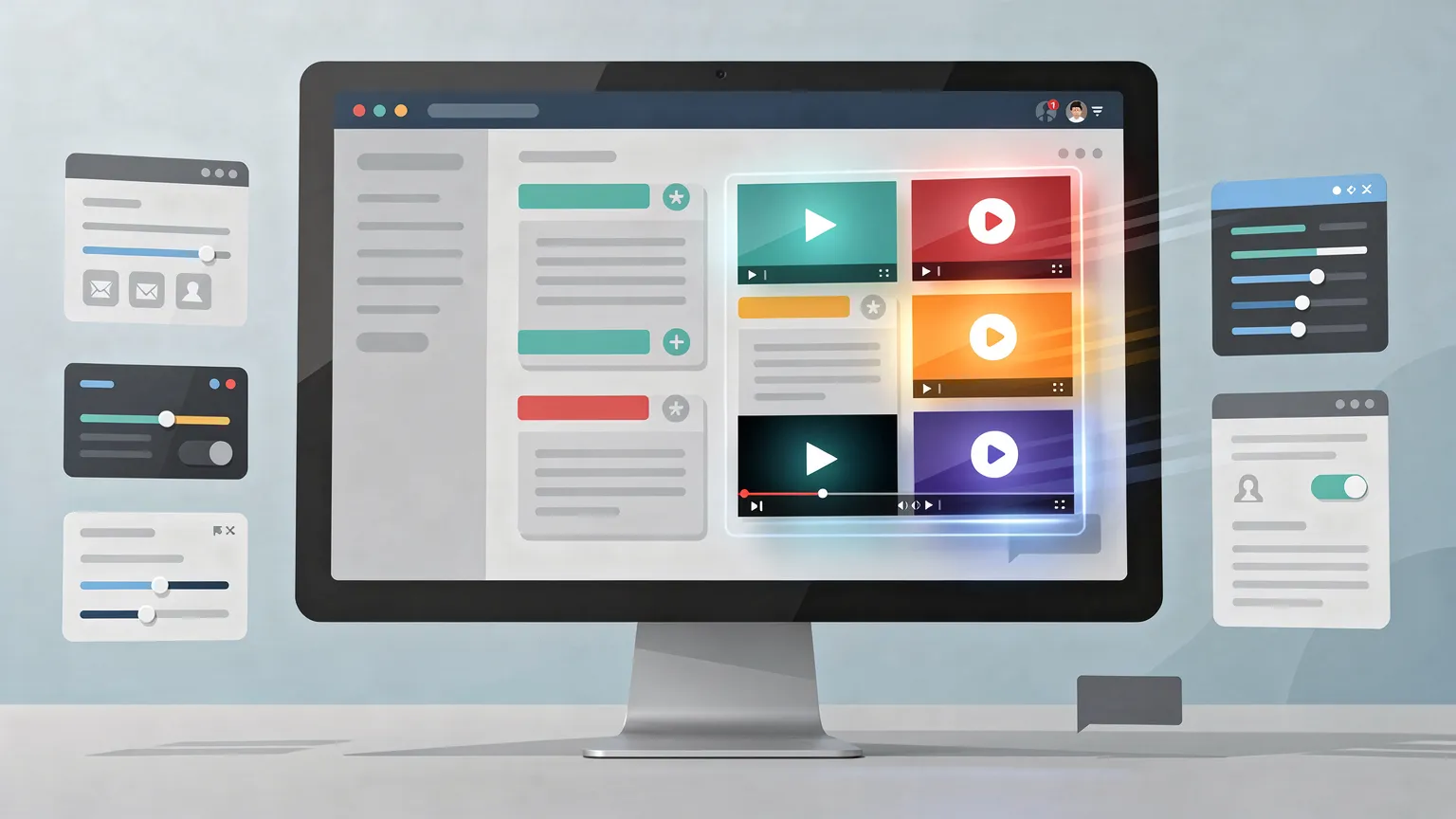
Local Video Hosting: Control and Flexibility
For greater control over your video content, including branding and playback experience, hosting videos directly on your Joomla site is an option. This involves uploading your video files to your server and then embedding them into articles.
Uploading and Inserting Local Videos
Joomla's media manager allows you to upload video files. It's recommended to create a dedicated folder, perhaps named videos, within your media directory to keep your files organized. Supported formats for local embedding typically include common types like MP4 and FLV.
While Joomla allows for the insertion of these local video files, the exact process for seamless embedding directly within an article's content area can sometimes be less intuitive than using external embed codes. Users might need to refer to specific documentation or extensions to ensure proper playback across different browsers and devices.
Specific, detailed step-by-step instructions for embedding locally stored videos directly through Joomla's core functionality are not always extensively documented and may require some technical exploration or the use of supplementary tools.
Leveraging Extensions for Enhanced Video Management
For users seeking a more streamlined experience or advanced features, Joomla extensions offer powerful solutions. Extensions can simplify the embedding process, support a wider range of video formats, and provide customizable players.

The Role of Extensions Like 'AllVidéos'
Extensions such as 'AllVidéos' are designed to simplify video integration. By installing such an extension and its associated plugin, you can typically insert videos using specific tags or buttons within the editor. These tools often handle the complexities of different video formats (like MP4 and FLV) and ensure compatibility.
When choosing an extension, it's crucial to verify its compatibility with your current Joomla version. For instance, extensions that were popular for older versions might require updates or replacements for newer releases like Joomla 5.
Always check the compatibility of third-party extensions with your specific Joomla version before installation to avoid potential conflicts or issues.
Considerations for Performance, Security, and Accessibility
Embedding videos, regardless of the method chosen, introduces several factors to consider:
- Performance: Large video files or excessive embeds can impact page load times. Optimizing video formats and considering lazy loading can mitigate this.
- Responsiveness: Ensure your embedded videos adapt to different screen sizes, providing a good user experience on desktops, tablets, and mobile devices. Many modern embed codes and extensions handle this automatically.
- Security: When embedding external content, be aware of the security implications. Stick to reputable platforms and ensure your Joomla site is secure.
- Accessibility: Provide alternatives for users who cannot access video content, such as transcripts or captions. Some video players and extensions offer built-in accessibility features.
By carefully selecting the right embedding strategy and keeping these considerations in mind, you can effectively use video to enrich your Joomla website and engage your audience.