
GitHub Actions OIDC: 長期有効なシークレットを使わずにデプロイを安全にする方法

OIDCを使ってGitHub Actionsのデプロイセキュリティを強化する方法を学びましょう。長期間有効なクラウド認証情報を短期間有効なトークンに置き換え、IAMトラストポリシーを使用してアクセスを制限し、CI/CDパイプラインを保護します。
GitHub Actions OIDC: 長寿命の秘密鍵なしでデプロイのセキュリティを強化する方法
Deploying an application from GitHub Actions usually requires access to external infrastructure. A workflow might upload files to Amazon S3, publish containers or update cloud resources. Traditionally, teams store a cloud access key in GitHub Secrets. That works, but a long-lived credential remains useful to an attacker if a workflow, dependency or log exposes it.
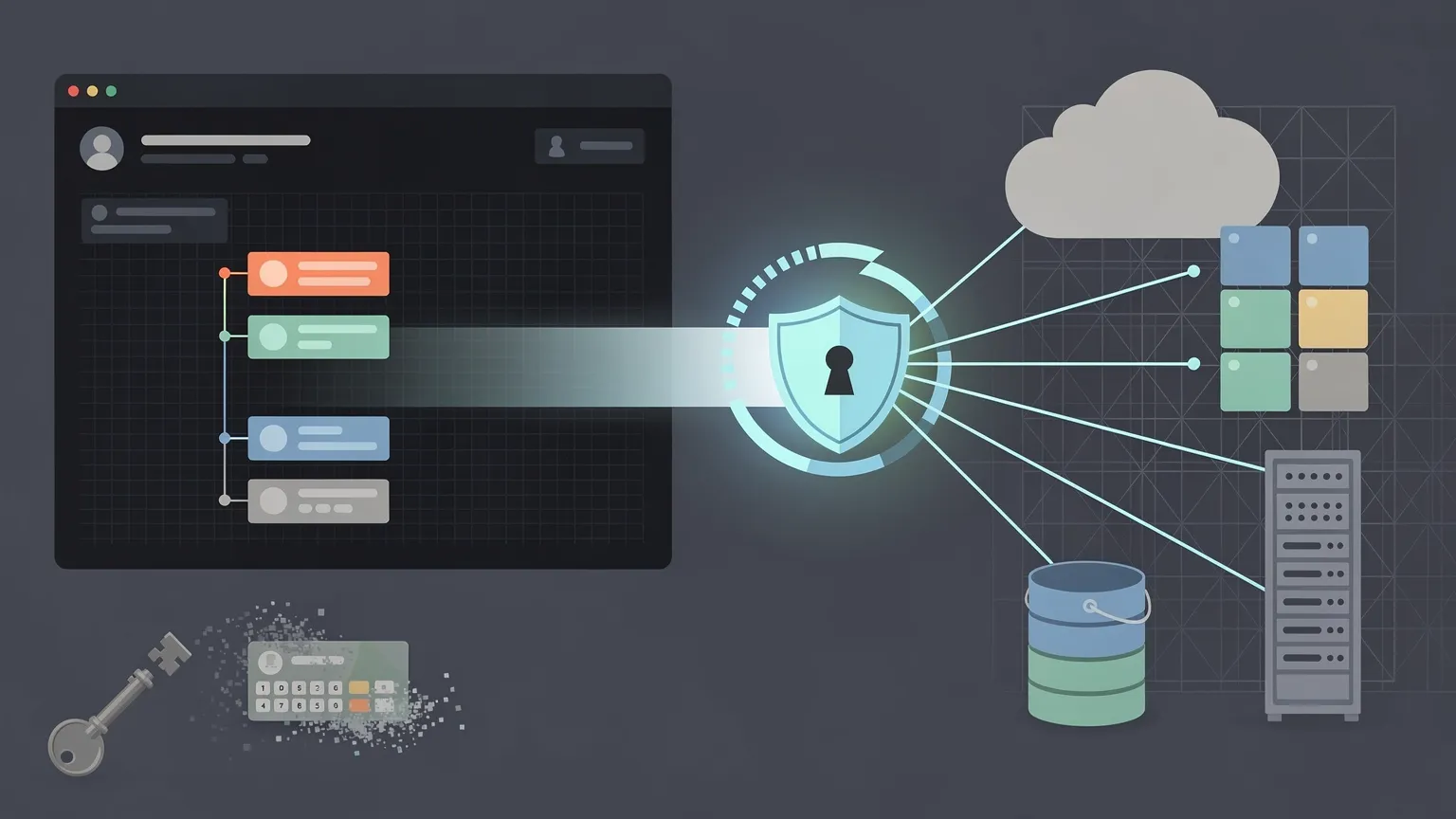
OpenID Connect (OIDC) helps strengthen CI/CD security by replacing long-lived cloud credentials with temporary access granted only to authorized workflow identities. It reduces credential exposure, limits unauthorized access and supports more tightly controlled production deployments.
This tutorial explains the security benefits, shows a practical AWS configuration and identifies the protections you still need. OIDC is not a magic security switch: the trust policy, role permissions and workflow controls matter just as much as the token exchange.
Why deployment security matters
CI/CD pipelines are privileged automation. They may be able to replace production code, upload assets, read deployment configurations or modify infrastructure. A compromised pipeline can therefore have a larger impact than a compromised developer workstation.
Three common risks deserve particular attention:
- Credential exposure: a static cloud key stolen from a build environment may remain valid until someone revokes it.
- Excessive privileges: a deployment credential with administrator permissions can affect unrelated services.
- Unauthorized deployment: an untrusted branch or workflow might gain production access if identity checks are too broad.
OIDC addresses part of this problem by tying authentication to a short-lived, verifiable workflow identity. It does not replace least-privilege IAM, code review or environment protection.
What is OIDC in GitHub Actions?
OpenID Connect is an identity layer built on OAuth 2.0. GitHub Actions can request a signed JSON Web Token (JWT) from GitHub's OIDC provider:
https://token.actions.githubusercontent.com
The token contains claims describing the job's identity and execution context. A cloud identity service validates the token's signature, issuer, audience and relevant claims, then decides whether to issue temporary credentials.
The external service must explicitly trust the intended GitHub workflow identity. Simply enabling OIDC in a YAML file does not grant access.
See GitHub's OIDC documentation.
Static credentials vs OIDC: security comparison
| Security consideration | Long-lived access key | OIDC federation |
|---|---|---|
| Permanent cloud credential in GitHub | Commonly required | Not required for supported providers |
| Credential lifetime | Until expiration or revocation | Temporary session |
| Rotation responsibility | Team must manage key lifecycle | Cloud provider issues short-lived credentials |
| Identity restrictions | Depends on credential storage and IAM | Trust policy can restrict workflow identity |
| Authorization | IAM permissions | IAM permissions still required |
| Remaining risk | Theft and reuse of static key | Compromised authorized workflow or broad trust |
OIDC reduces the risk and impact of credential theft; it does not eliminate every secret. Applications may still need database passwords, signing keys or third-party API tokens.
How the OIDC authentication flow works
- An authorized GitHub Actions job requests an identity token.
- GitHub issues a signed JWT for that job.
- The workflow presents the token to the cloud identity service.
- The cloud provider validates the token and evaluates its configured trust conditions.
- If the identity is allowed, the provider issues temporary credentials.
- The workflow uses those credentials within the role's permitted scope.
The cloud provider must reject a token whose subject, audience or other required conditions do not match. That validation is the boundary between a secure deployment and one that trusts too much.
Step 1: Configure GitHub's OIDC provider in AWS
AWS IAM supports OpenID Connect identity providers. Create an identity provider using:
| Setting | Value |
|---|---|
| Provider URL | https://token.actions.githubusercontent.com |
| Audience | sts.amazonaws.com |
| Provider type | OpenID Connect |
The audience identifies the intended recipient of the token. The AWS credentials action normally uses sts.amazonaws.com.
See AWS IAM OIDC role configuration.
Step 2: Restrict who can assume the deployment role
Create an IAM role whose trust policy permits sts:AssumeRoleWithWebIdentity only from the GitHub identity provider and the intended workflow identity.
The following example uses GitHub's traditional branch-based subject format:
{
  "Version": "2012-10-17",
  "Statement": [
    {
      "Effect": "Allow",
      "Principal": {
        "Federated": "arn:aws:iam::123456789012:oidc-provider/token.actions.githubusercontent.com"
      },
      "Action": "sts:AssumeRoleWithWebIdentity",
      "Condition": {
        "StringEquals": {
          "token.actions.githubusercontent.com:aud": "sts.amazonaws.com",
          "token.actions.githubusercontent.com:sub": "repo:example-org/example-app:ref:refs/heads/main"
        }
      }
    }
  ]
}
Replace the AWS account number, organization and repository.
Do not copy the subject condition blindly. GitHub has introduced an immutable default subject format for repositories created after July 15, 2026. Check the actual subject format used by your repository and configure AWS to match it. Environment-based workflows can also use a different subject shape. Consult GitHub's OIDC token reference.
A restrictive trust policy is one of the most important ways to prevent unauthorized workflows from obtaining production credentials. Avoid wildcard subjects that accidentally authorize unrelated repositories or contexts.
Step 3: Limit what the role can do
Trust determines who may assume a role. IAM permissions determine what the role can do after authentication.
For a deployment that only uploads files to one S3 bucket, a simplified policy is:
{
  "Version": "2012-10-17",
  "Statement": [
    {
      "Effect": "Allow",
      "Action": ["s3:PutObject"],
      "Resource": "arn:aws:s3:::example-deploy-bucket/*"
    }
  ]
}
This example permits object uploads, not account administration or bucket deletion. If your deployment also removes obsolete files or lists bucket contents, grant only the additional operations required, such as scoped s3:DeleteObject or s3:ListBucket.
Never grant AdministratorAccess merely to make a deployment work. Temporary credentials with excessive privileges can still cause serious damage.
Step 4: Request temporary credentials from a workflow
A deployment job must be allowed to request an OIDC token. The following example uploads a prebuilt dist/ directory to S3:
name: Deploy website

on:
  push:
    branches:
      - main

permissions:
  contents: read

jobs:
  deploy:
    runs-on: ubuntu-latest

    permissions:
      contents: read
      id-token: write

    steps:
      - name: Checkout repository
        uses: actions/checkout@v4

      - name: Configure AWS credentials
        uses: aws-actions/configure-aws-credentials@v4
        with:
          role-to-assume: arn:aws:iam::123456789012:role/github-deploy-role
          aws-region: eu-west-1

      - name: Deploy website
        run: |
          aws s3 cp ./dist/ s3://example-deploy-bucket/ --recursive
The example uses major-version action references for readability. In production, review current supported versions and preferably pin third-party actions to full commit SHAs. The example assumes the website has already been built into dist/.
Notice what is missing: no permanent AWS access key or secret access key is stored in the workflow.
The official AWS credentials action exchanges the OIDC token for temporary AWS credentials.
Step 5: Understand id-token: write
This permission:
permissions:
  id-token: write
allows a job to request a GitHub OIDC identity token. It does not by itself give the job permission to write to GitHub repositories or access AWS.
The cloud provider still decides whether to trust the identity, and the IAM role still controls what operations are allowed.
Grant id-token: write only to jobs that actually authenticate to the cloud. Build, lint and test jobs generally do not need it.
Step 6: Protect production environments
OIDC cannot compensate for an authorized workflow running malicious code. If an attacker can change a trusted deployment workflow or execute unreviewed code in that context, they may be able to obtain temporary credentials.
GitHub Environments can add controls such as deployment branch restrictions and required reviewers, subject to repository settings and plan availability.
jobs:
  deploy:
    runs-on: ubuntu-latest
    environment: production

    permissions:
      contents: read
      id-token: write
When the workflow uses an environment, the OIDC subject may identify that environment rather than a branch. Update the IAM trust policy to match the actual claims and protect the environment itself.
For production, combine restricted identities with branch protection, code review, limited workflow permissions and environment approval rules where appropriate. This is how OIDC becomes part of a stronger deployment security posture rather than a credential replacement alone.
Step 7: Verify the assumed identity and test denials
After configuring AWS authentication, add a diagnostic step:
- name: Verify AWS identity
  run: aws sts get-caller-identity
Check that the response identifies the intended AWS account and deployment role. The command does not reveal the secret access key.
Also test that an unauthorized branch, repository or environment cannot assume the production role. A failed unauthorized deployment is a successful security test.
Do not log raw OIDC tokens or temporary credentials during debugging.
Common OIDC security and configuration mistakes
Missing id-token: write
The job cannot request an OIDC token unless it has the permission. Job-level permissions may override workflow-level permissions.

AWS returns AccessDenied for role assumption
Check the identity provider, audience, role ARN and subject condition. In particular, verify the actual GitHub subject format rather than assuming every repository uses the same default.
Authentication succeeds, but upload fails
The trust relationship may be correct while the role lacks the required S3 permissions. Fix the narrowly scoped IAM permissions policy rather than broadening identity trust.
Production access is allowed from too many contexts
A wildcard subject or insufficient environment restrictions can make production credentials available to workflows that should never receive them. Restrict the trust policy and test unauthorized cases.
A pull request cannot deploy
Pull requests may have different claims and untrusted code. Do not weaken production trust conditions just to let a pull request assume the deployment role. Run validation separately from production deployment.
Can you use OIDC with Azure or Google Cloud?
Yes. The federation mechanism is similar, but identity configuration differs.
| Cloud | Federation mechanism | GitHub action |
|---|---|---|
| AWS | IAM OIDC provider and role | aws-actions/configure-aws-credentials |
| Microsoft Azure | Federated identity credentials | azure/login |
| Google Cloud | Workload Identity Federation | google-github-actions/auth |
Azure typically associates a federated credential with an application or managed identity. Google Cloud uses a workload identity pool and provider, with direct resource access or service account impersonation depending on the setup.
Each platform has its own audience, subject matching and authorization rules. Review the provider's current official documentation before copying an example.
What about PHP websites on traditional hosting?
Not every web host accepts GitHub OIDC identities. Shared hosting and managed PHP hosting may still use SSH keys, SFTP credentials, deployment webhooks or provider API tokens.
Enabling OIDC in GitHub Actions does not automatically replace an SSH key if the destination server has no federation mechanism.
Where OIDC is unavailable, use a dedicated deployment account, narrowly scoped permissions, protected secrets and credential rotation. Restrict filesystem and command access where possible.
The security goal is least privilege and limited credential exposure, whether or not OIDC is supported.
Deployment security checklist
Before deploying to production, verify that:
- The OIDC issuer and audience are configured correctly.
- The trust policy matches only the intended repository and deployment context.
- The subject condition reflects your repository's actual GitHub token format.
- The IAM role has only the permissions required by the deployment.
- Only deployment jobs receive
id-token: write. - Production branches and environments have appropriate protection.
- Third-party actions are reviewed and preferably pinned to immutable commit SHAs.
- Untrusted pull requests cannot assume production roles.
- Unauthorized branches and repositories fail authentication.
- Tokens and temporary credentials are never logged or stored unnecessarily.
Frequently asked questions
Is OIDC more secure than static AWS access keys?
It reduces exposure to long-lived credential theft. Strong trust policies, limited permissions and protected workflows are still essential.
Does OIDC eliminate GitHub Secrets?
It replaces some cloud authentication credentials, not every application secret or API key.
What does id-token: write grant?
It lets a workflow request an identity token. Cloud permissions are determined separately by the provider.
Can untrusted pull requests use production OIDC credentials?
They should not. Configure restrictive trust conditions and keep production deployments separate from untrusted code.
Does OIDC work with any hosting provider?
No. The destination service or an identity broker must support and trust GitHub's OIDC tokens.
Conclusion: strengthen security, not just authentication
GitHub Actions OIDC is an effective way to increase deployment security for supported cloud services. It removes the need to keep permanent cloud keys in GitHub, enables short-lived access and allows cloud trust policies to restrict which workflows can deploy.
But the strongest design combines OIDC with least-privilege IAM, protected environments, reviewed workflow code and explicit tests that unauthorized identities are rejected.
The goal is not simply to replace a secret. It is to ensure that only the right workflow can access the right resources, with the minimum permissions and for the shortest practical time.