
WordPress 7.1: A Deeper Dive into Responsive Design, Media Handling, and Developer Implications
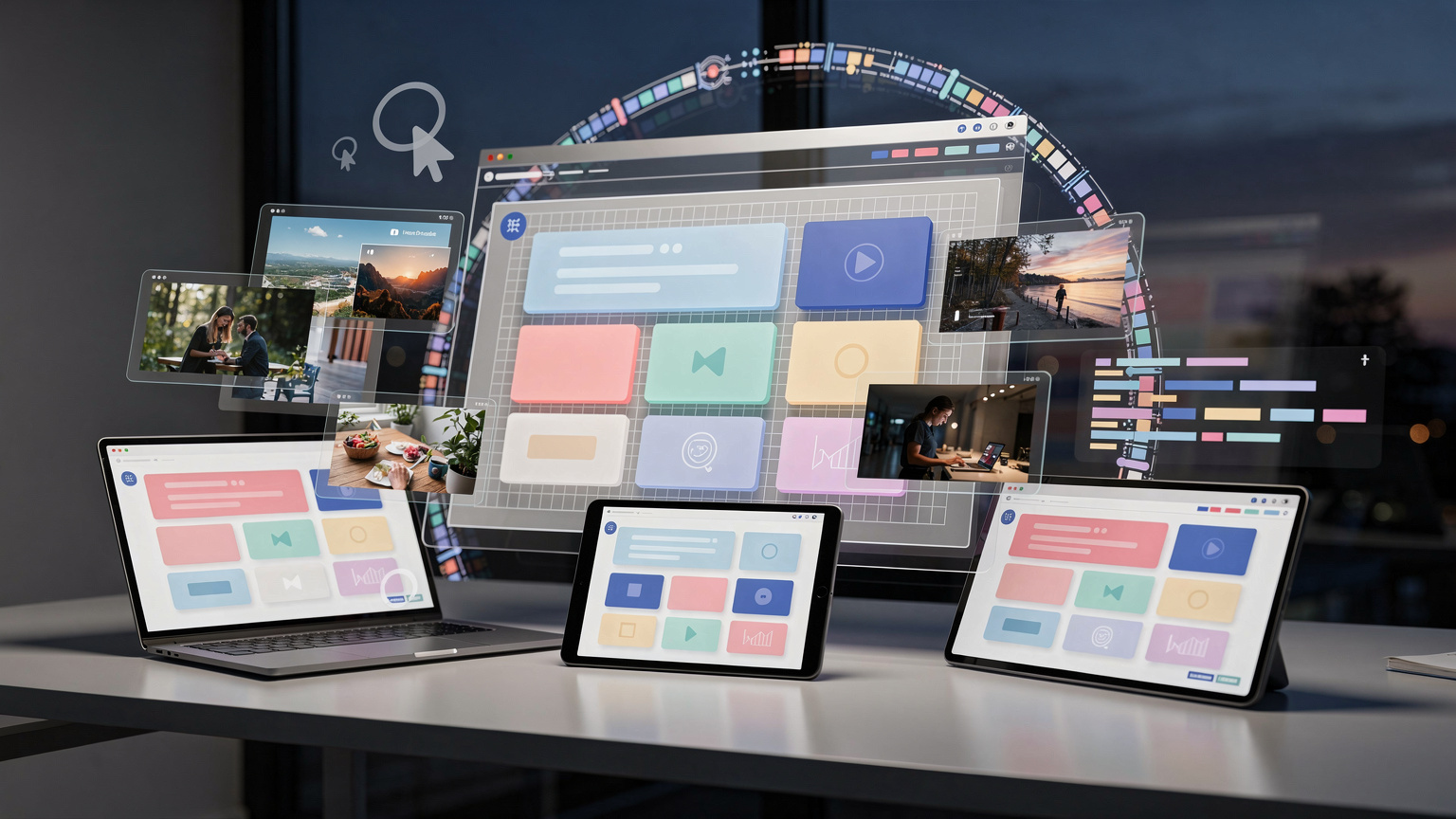
WordPress 7.1, released August 19, 2026, introduces significant advancements in responsive styling and media processing, alongside crucial changes for developers. While promising features like real-time collaboration have been deferred, this update focuses on enhancing the user experience and flexibility for content creators and site builders.
WordPress 7.1, launched on August 19, 2026, arrives as the second major release of the year, building on the foundations laid in WordPress 7.0. This update brings a suite of enhancements to the block editor, media handling, and collaborative tools, with a particular focus on empowering users with more granular control over design and media presentation. However, it also introduces technical shifts that developers will need to address.
Enhanced Design Control and New Blocks
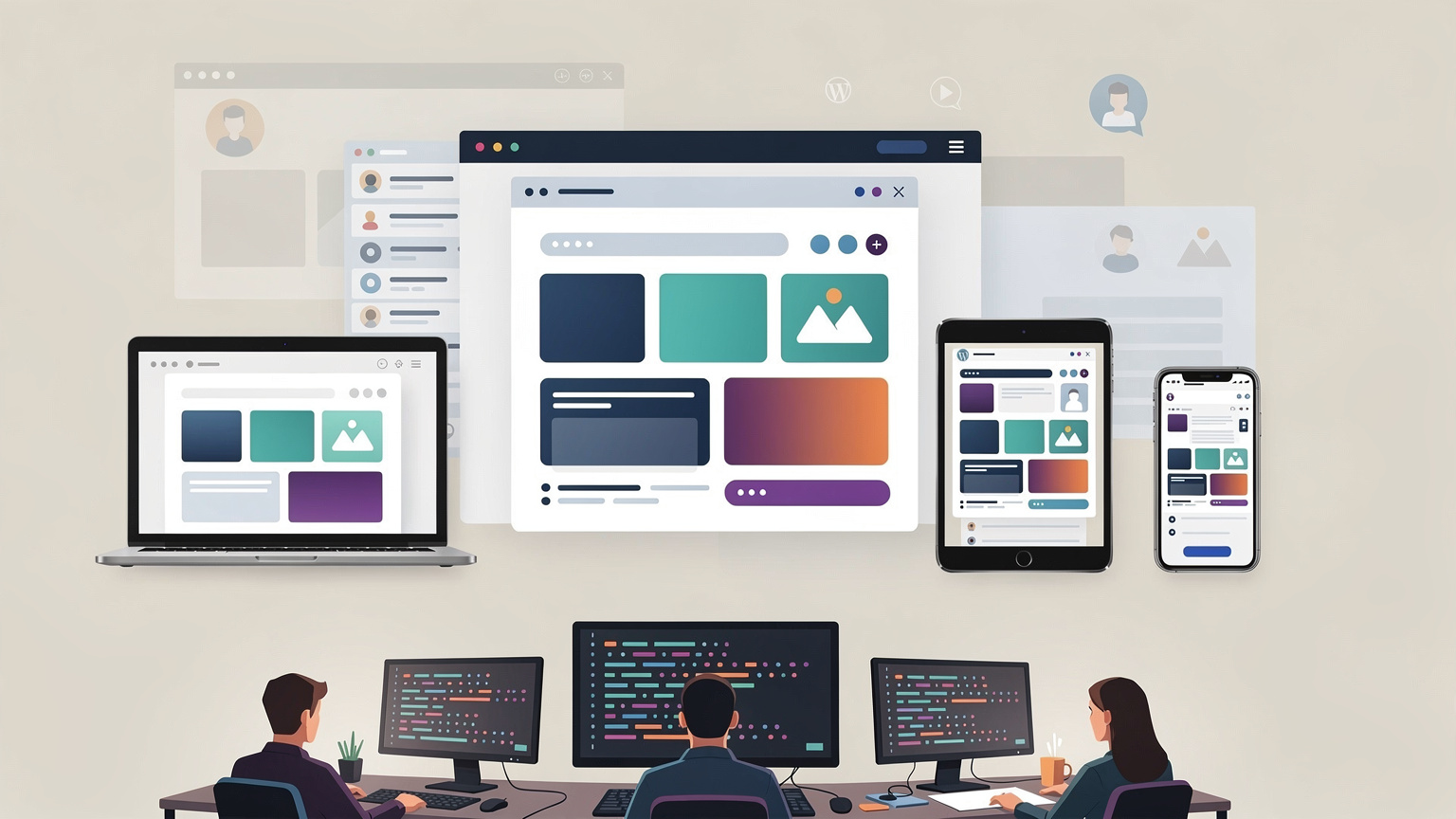
A standout feature in WordPress 7.1 is per-device responsive styling. This allows users to apply distinct visual styles for desktop, tablet, and mobile views directly within the editor, a move that significantly reduces the need for custom CSS. Theme authors can further refine this by defining custom breakpoints within theme.json, offering more tailored design capabilities.
Complementing these design enhancements are two new core blocks: Tabs and Audio Playlist. The inclusion of these blocks aims to reduce reliance on third-party plugins for common content organization and media playback needs, streamlining the content creation process.
Furthermore, the interactive elements of websites are improved with pseudo-state styling for buttons. Users can now visually manage hover, focus, and active states for buttons directly in the editor, leading to more polished and intuitive user interfaces.
Rebuilt Image Editor and Collaboration Tools
The image editing experience has been significantly revamped. The rebuilt image editor offers enhanced cropping and editing capabilities, providing a more robust toolset for refining visuals without leaving WordPress. This update also introduces client-side media processing, a notable shift that supports newer, more efficient image formats such as HEIC, AVIF, and WebP, alongside UltraHDR. By enabling processing on the user's device, this feature can potentially reduce server load and mitigate memory errors during uploads.
Collaboration within teams also sees an upgrade with enhancements to the 'Notes' feature. Now supporting @mentions, rich text formatting, and threaded comments, this system provides a more streamlined and effective way for content teams and multi-author blogs to provide feedback and communicate directly within the WordPress environment. Additionally, visual revisions now support shareable links, making it easier to gather feedback on specific versions of content.
Developer Considerations and Compatibility
While these features offer considerable benefits, the transition to a more robust editor architecture presents certain technical considerations, particularly for developers. The block editor now consistently loads within an iframe. This change, while enhancing editor stability, requires adherence to Block API v3. Developers working with older custom blocks or those that interact directly with the global document or window objects may need to update their code to ensure compatibility. The research indicates that the css prop on View is now a no-op, with style or className being the recommended alternatives.
Another significant shift is the introduction of client-side media processing, which leverages WebAssembly and libvips. This technology stack enables the handling of modern image formats directly in the browser. However, the full impact on custom upload workflows, Content Delivery Networks (CDNs), and existing image optimization strategies will require thorough testing by developers and site administrators.
Postponed Features and Security Updates
It's important to note that a highly anticipated feature, real-time collaboration, has been postponed. While initially expected, synchronous editing is not yet part of WordPress 7.1, leaving it as a feature to watch in future releases.
Alongside these feature updates, WordPress 7.1.2 was released to address a critical path-traversal vulnerability. This security release necessitates an immediate update for all WordPress users to safeguard their sites.
The persistent admin bar and refreshed command palette also contribute to an improved user experience in the backend, offering quicker access to essential tools and navigation. The update to jQuery UI to version 1.14.2 and the removal of deprecated editor components like Navigation in favor of Navigator reflect ongoing efforts to modernize the platform's core.
WordPress 7.1 represents a solid step forward in design flexibility and media handling, but its iframe-centric editor and new processing methods require careful attention from developers to ensure seamless integration and continued compatibility.